1. Backup Windows using Acronis True Image
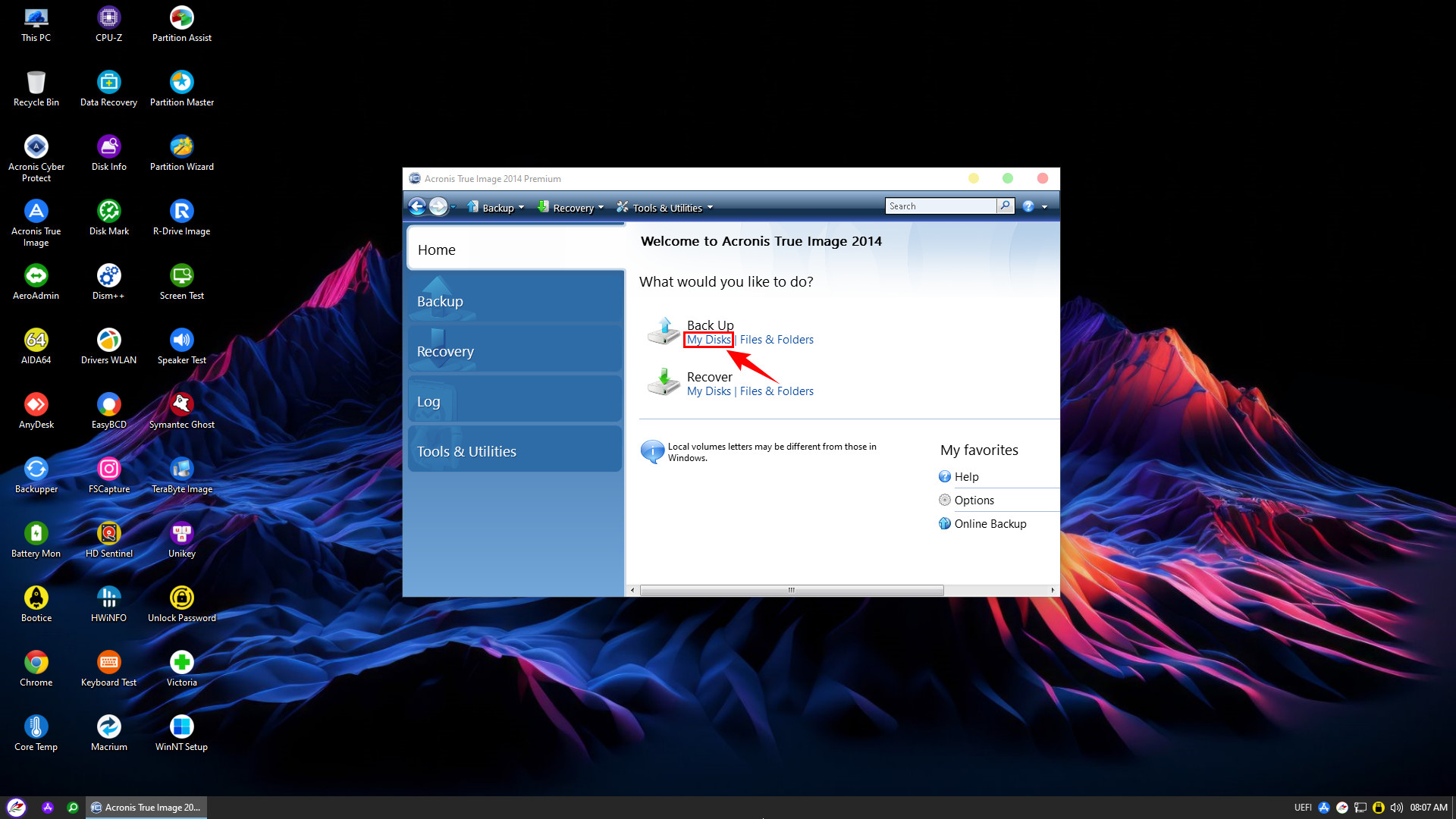
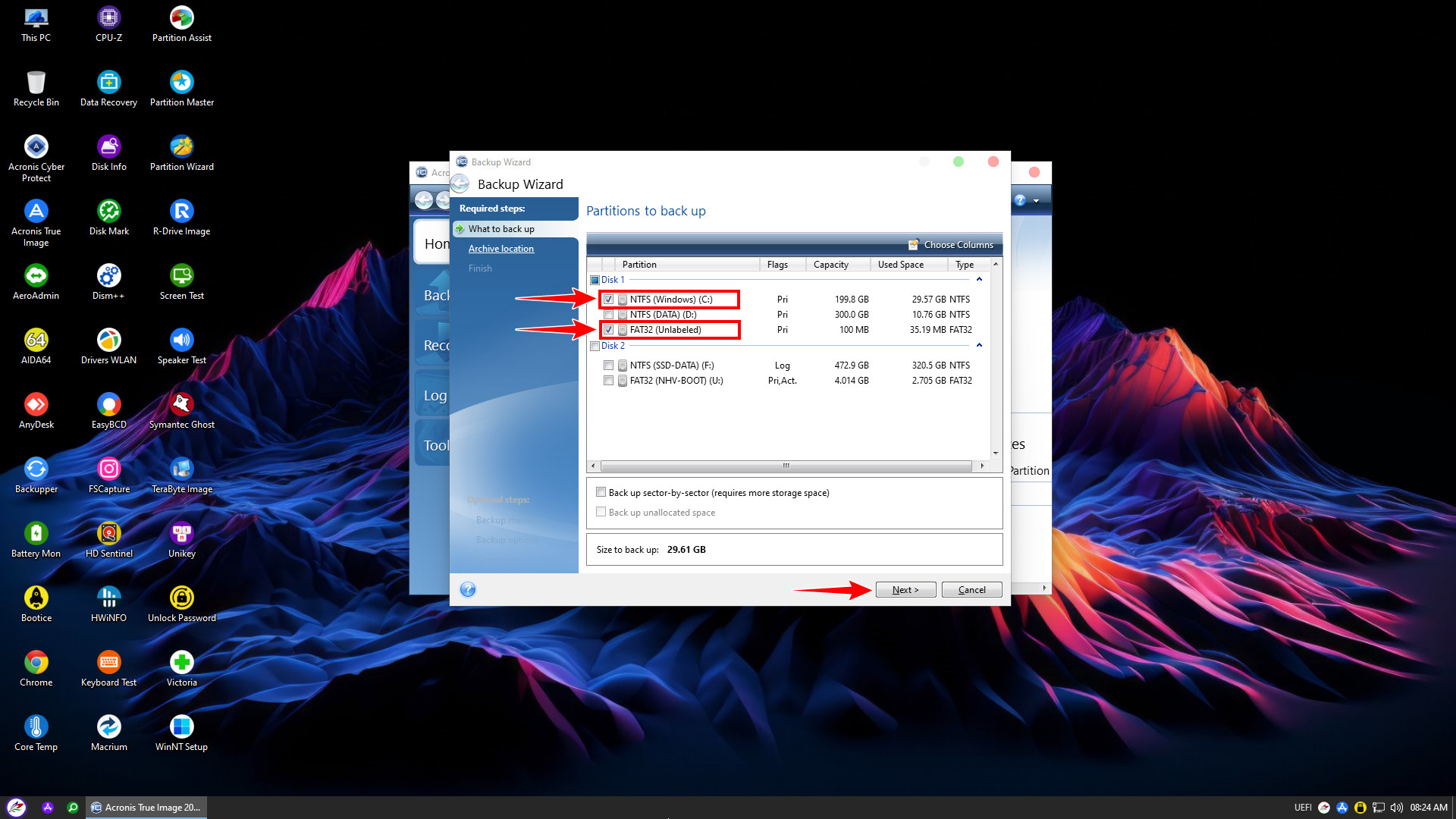
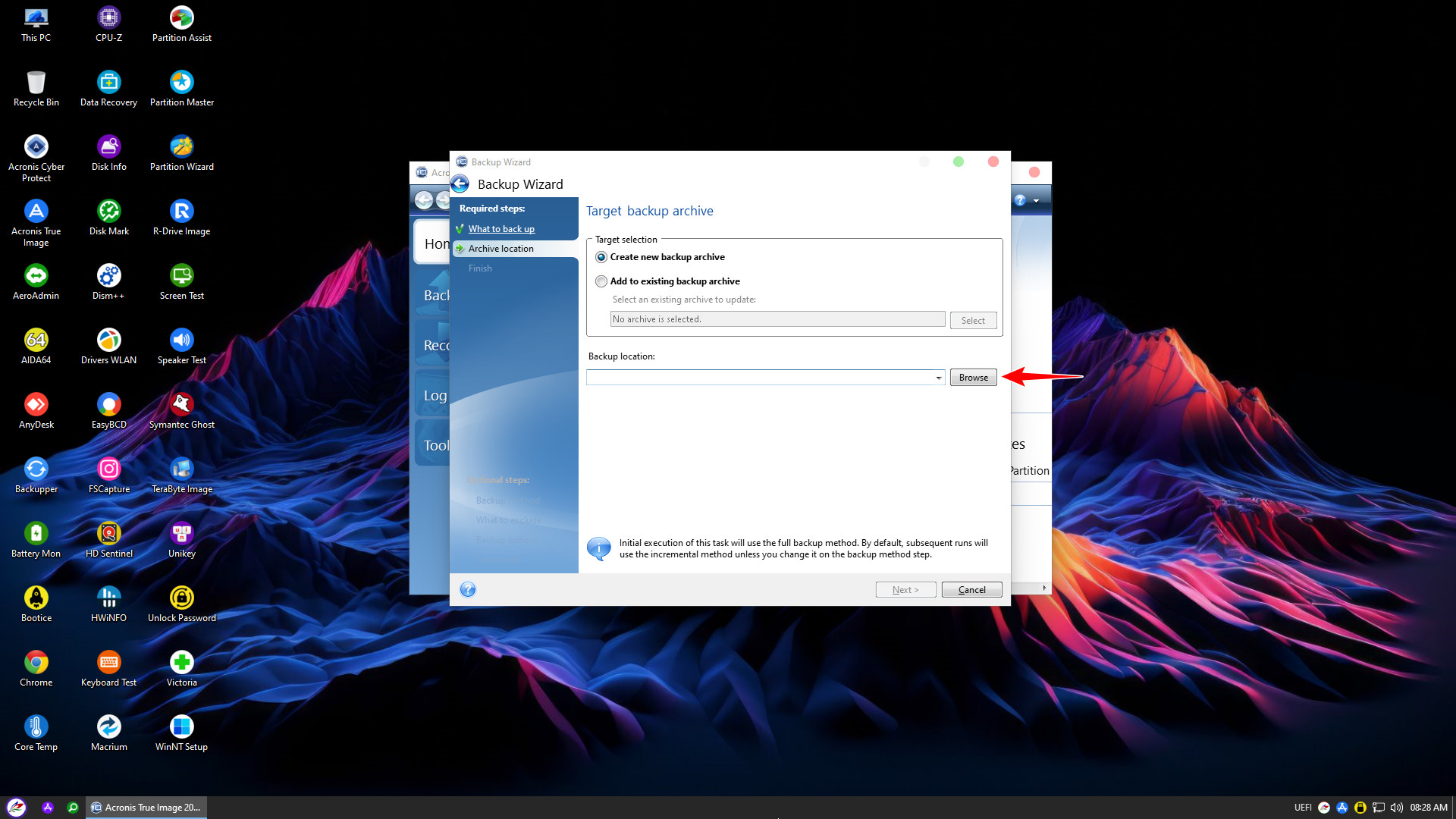
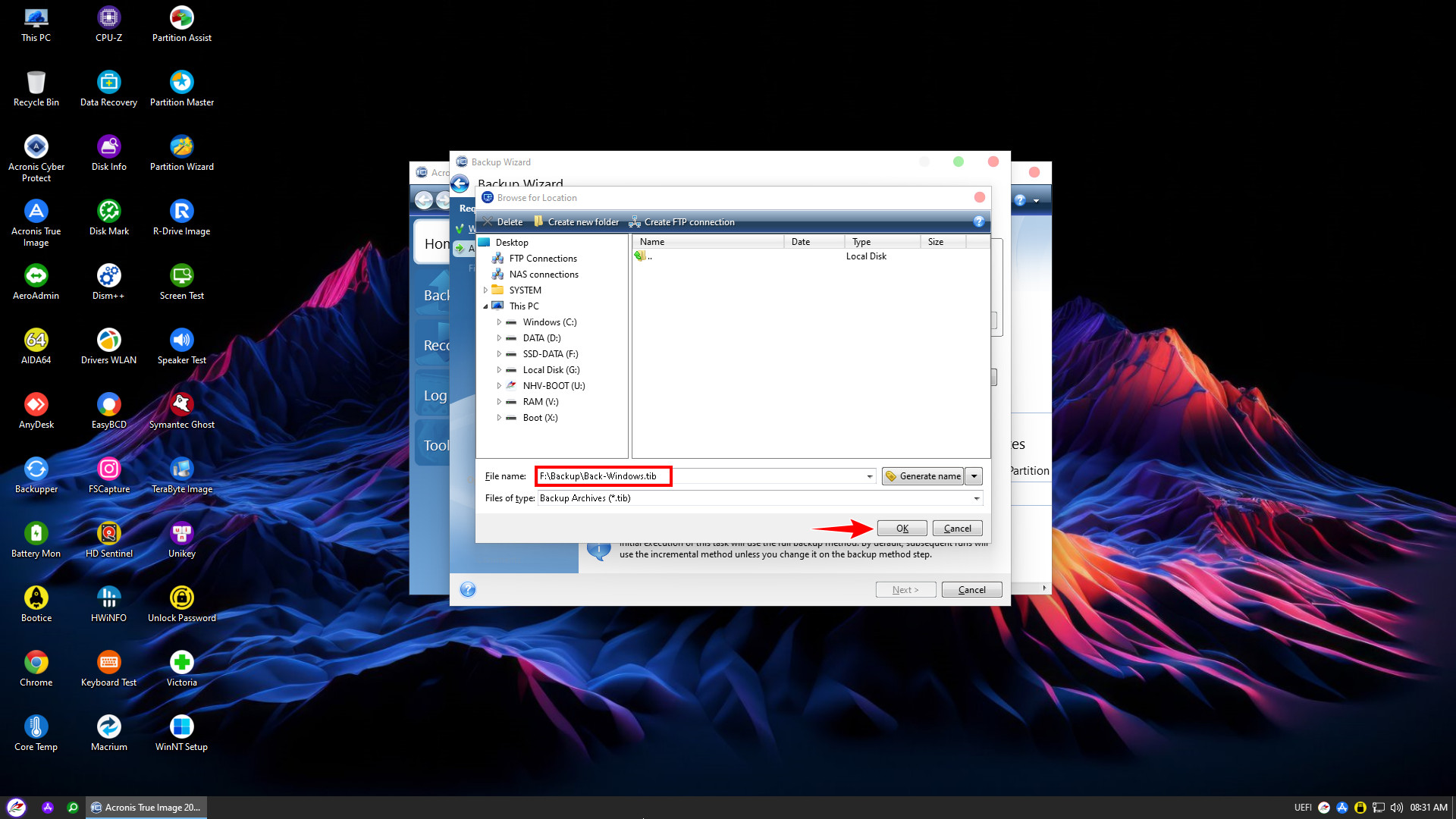
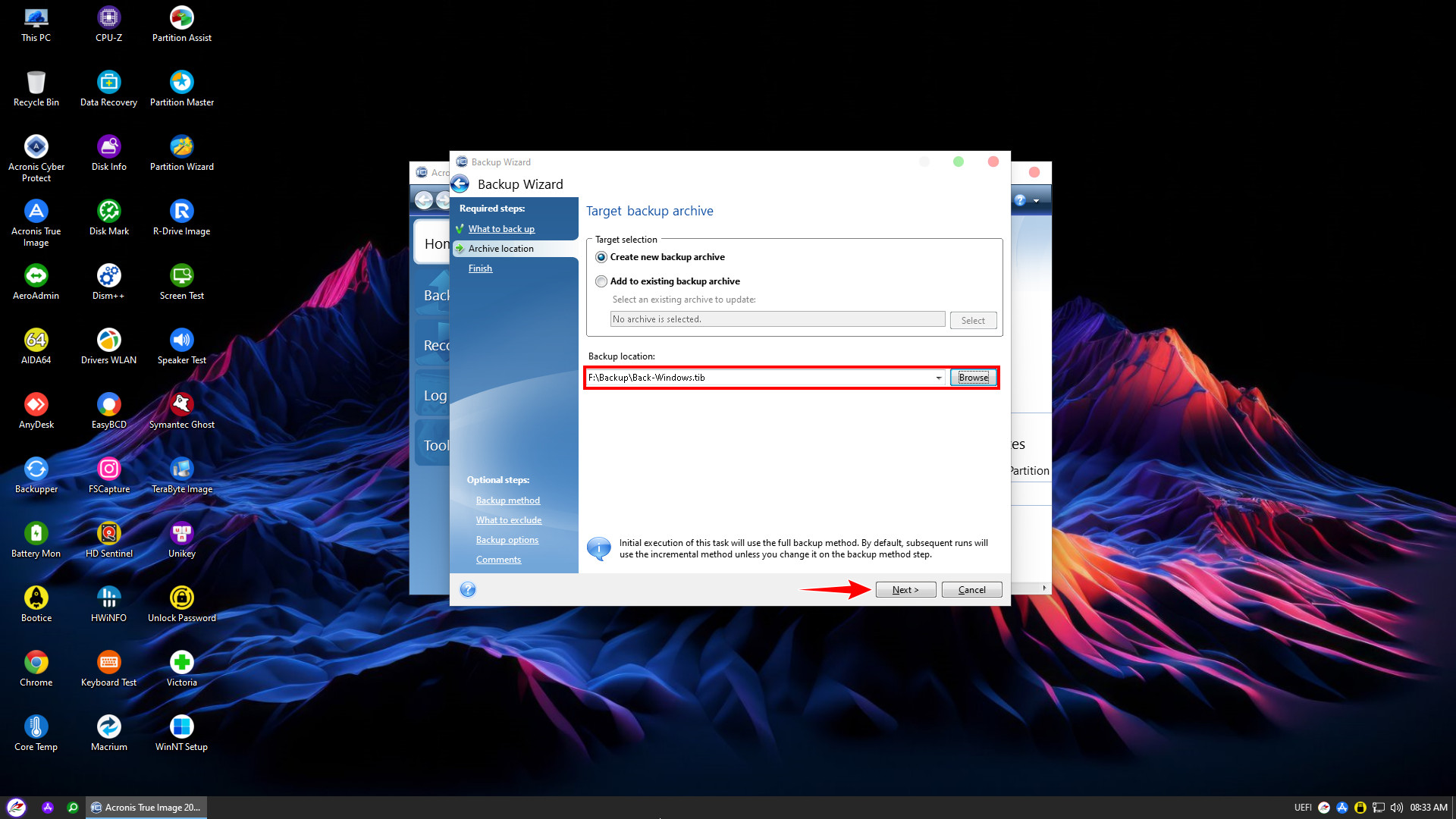
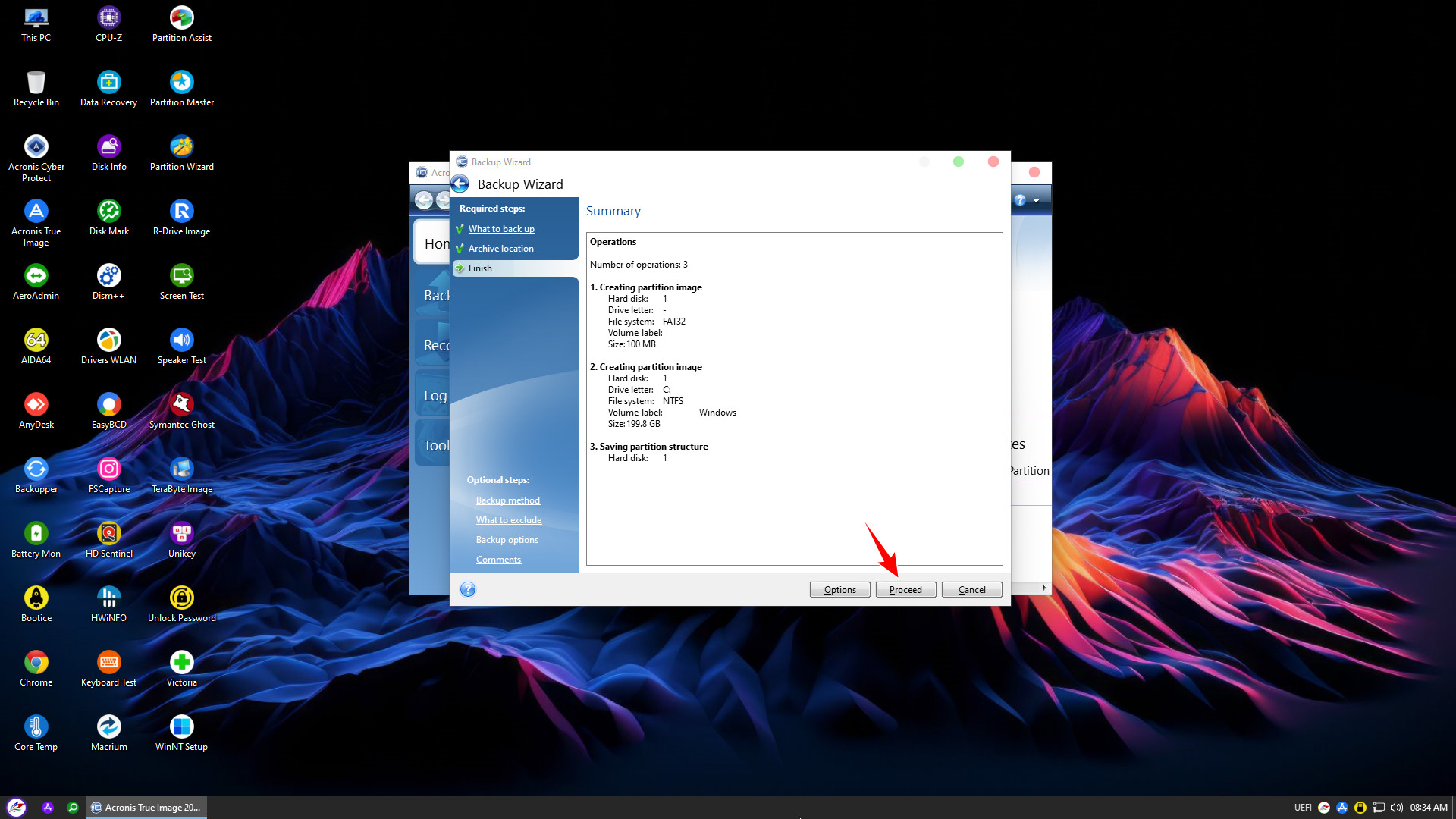
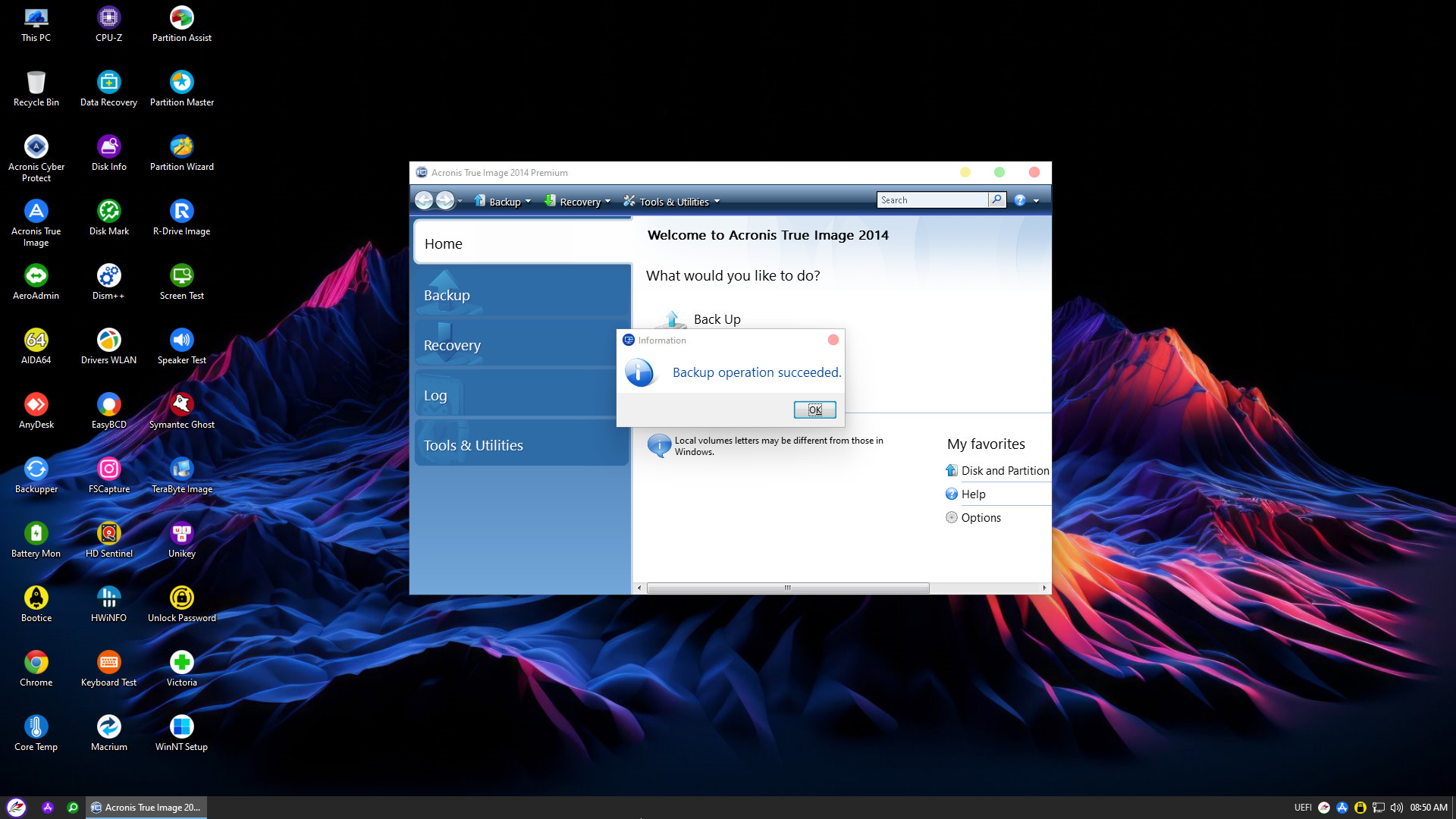
Boot into WinPE. On the Desktop, find and double-click the Acronis True Image icon to launch the software, or access it via the PStart menu

2. Restore Windows with Acronis True Image
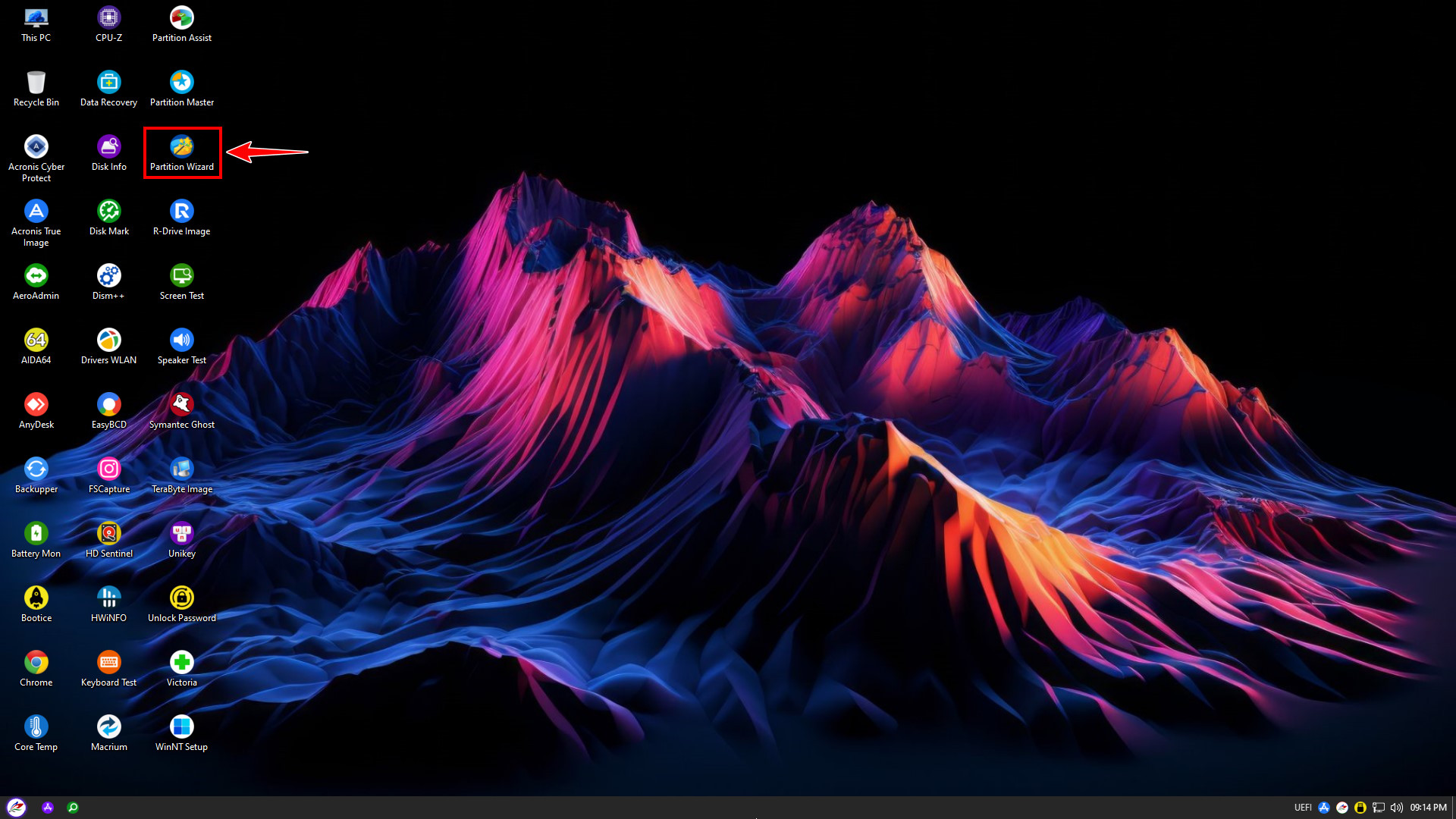
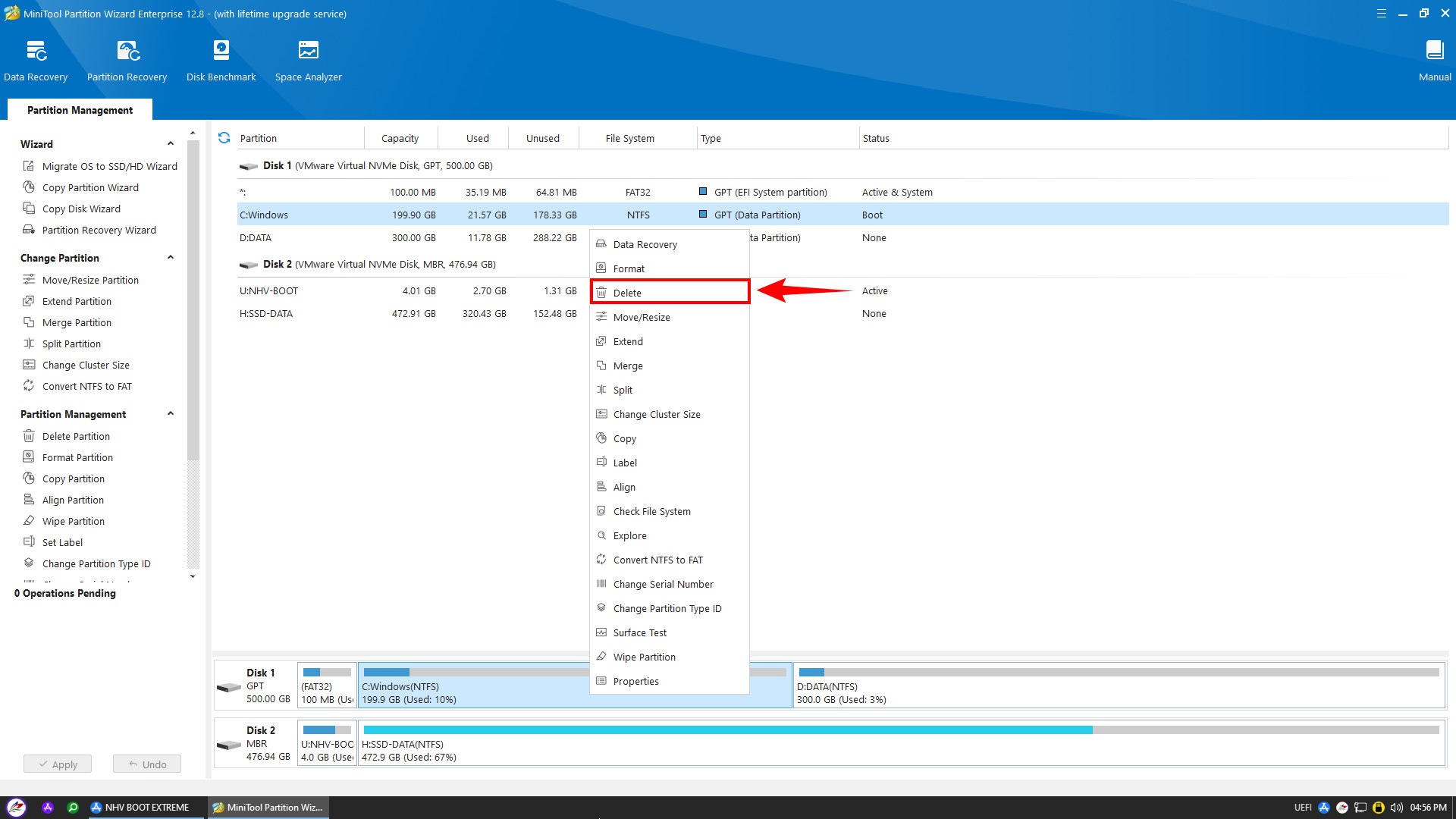
To restore Windows, the first step is to prepare the hard drive partitions. Open Partition Wizard on the Desktop to delete the old Windows partition or repartition the drive accordingly
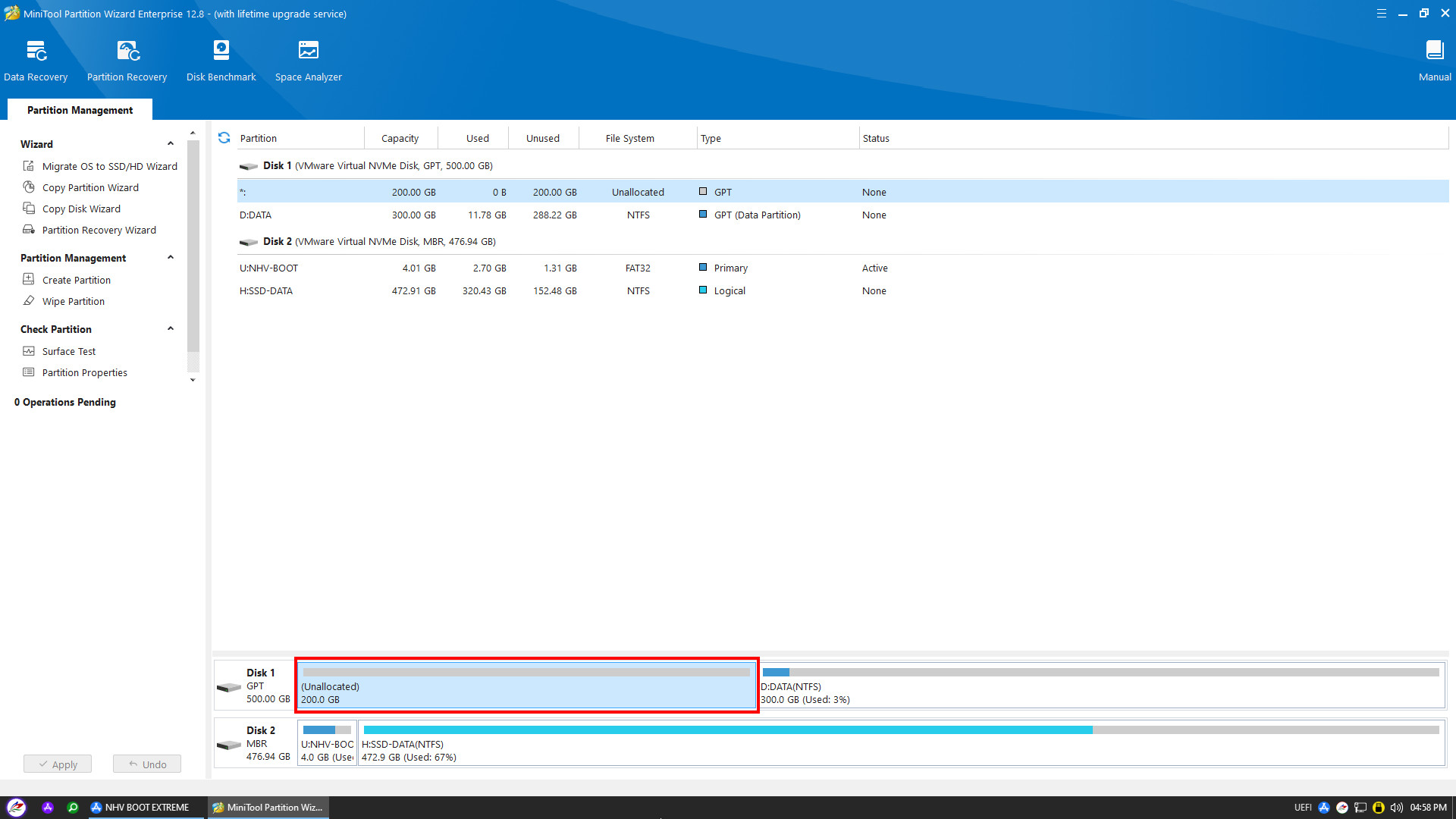
After deleting or repartitioning the drive, launch Acronis True Image
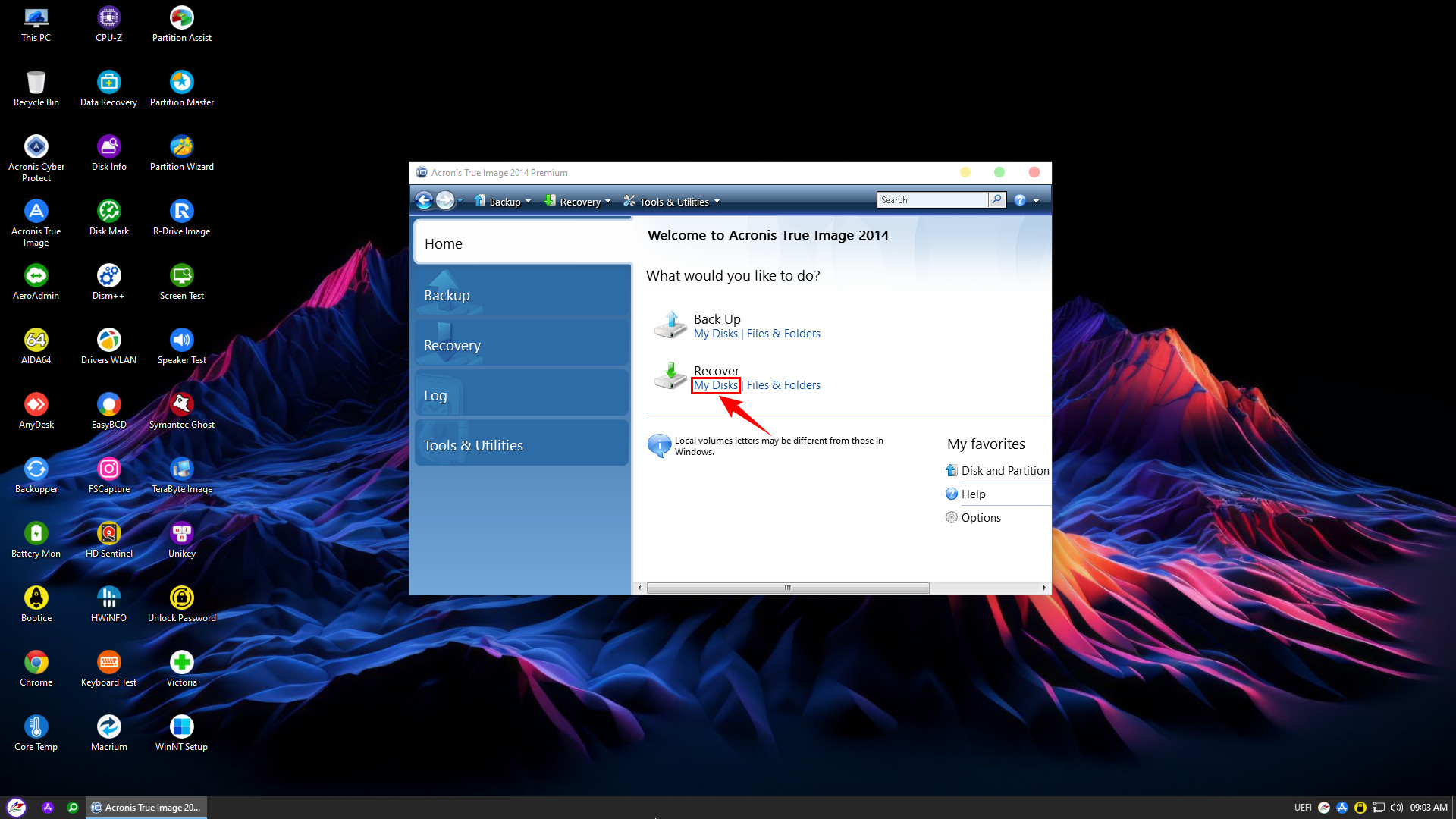
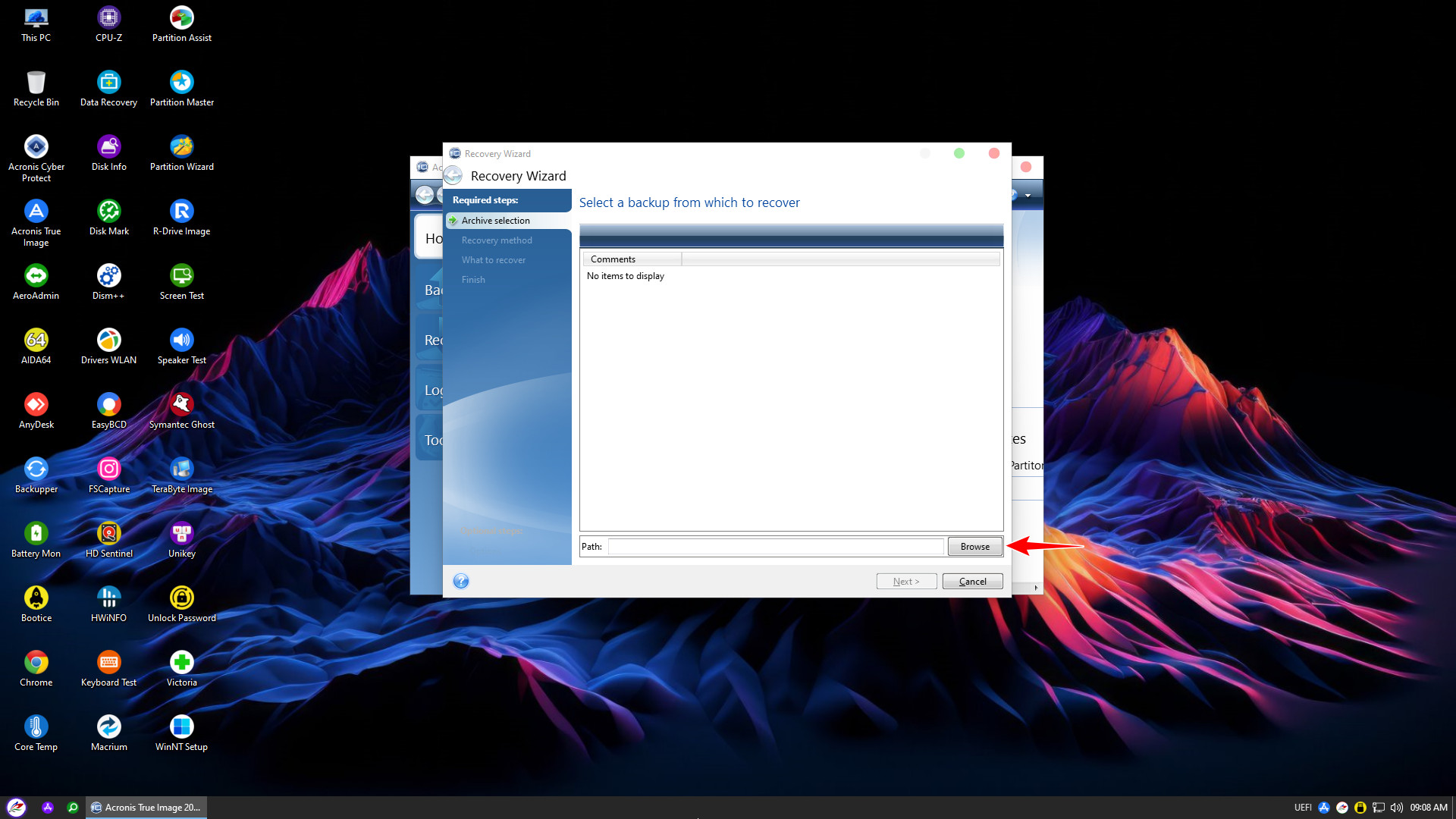
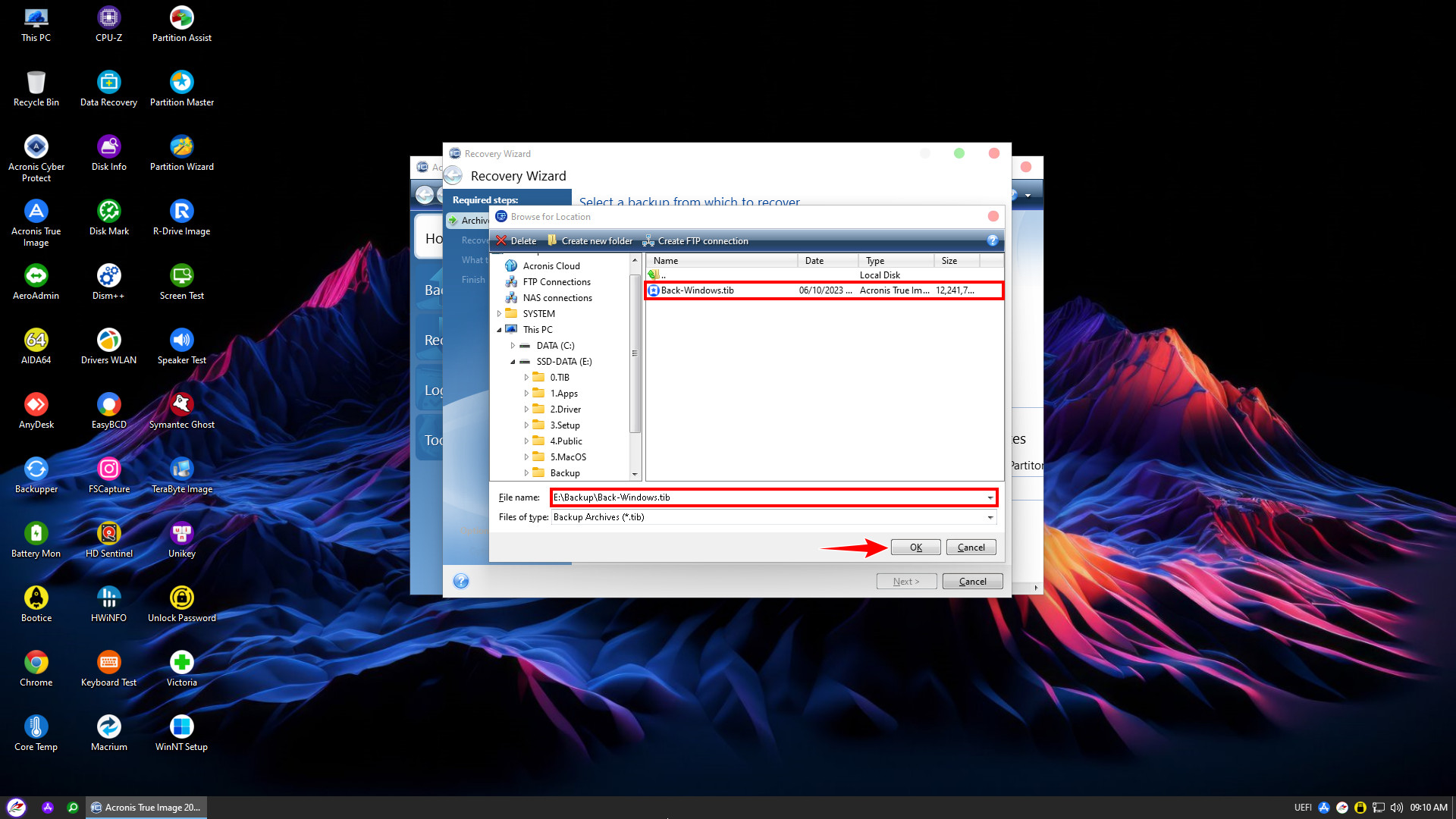
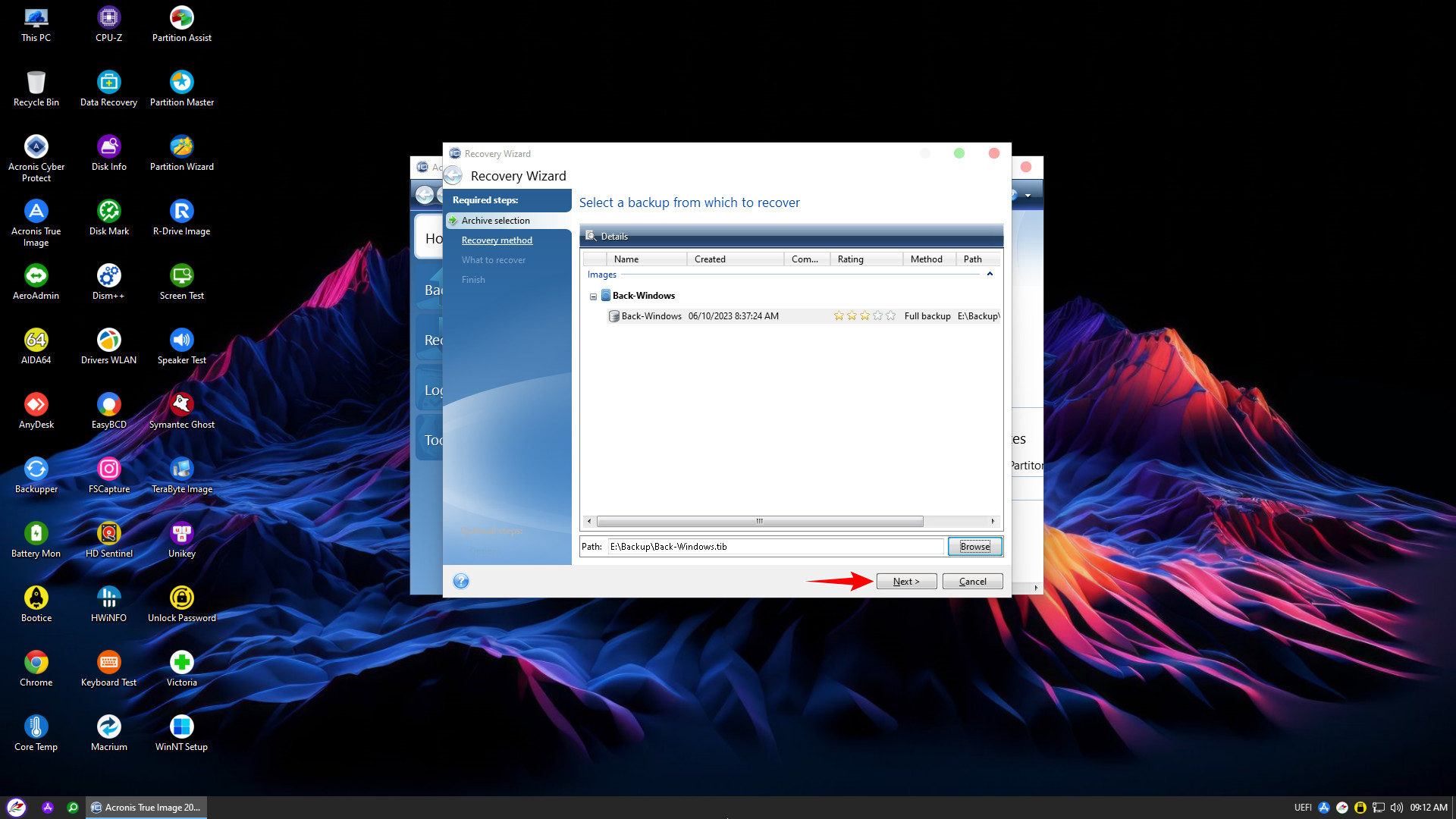
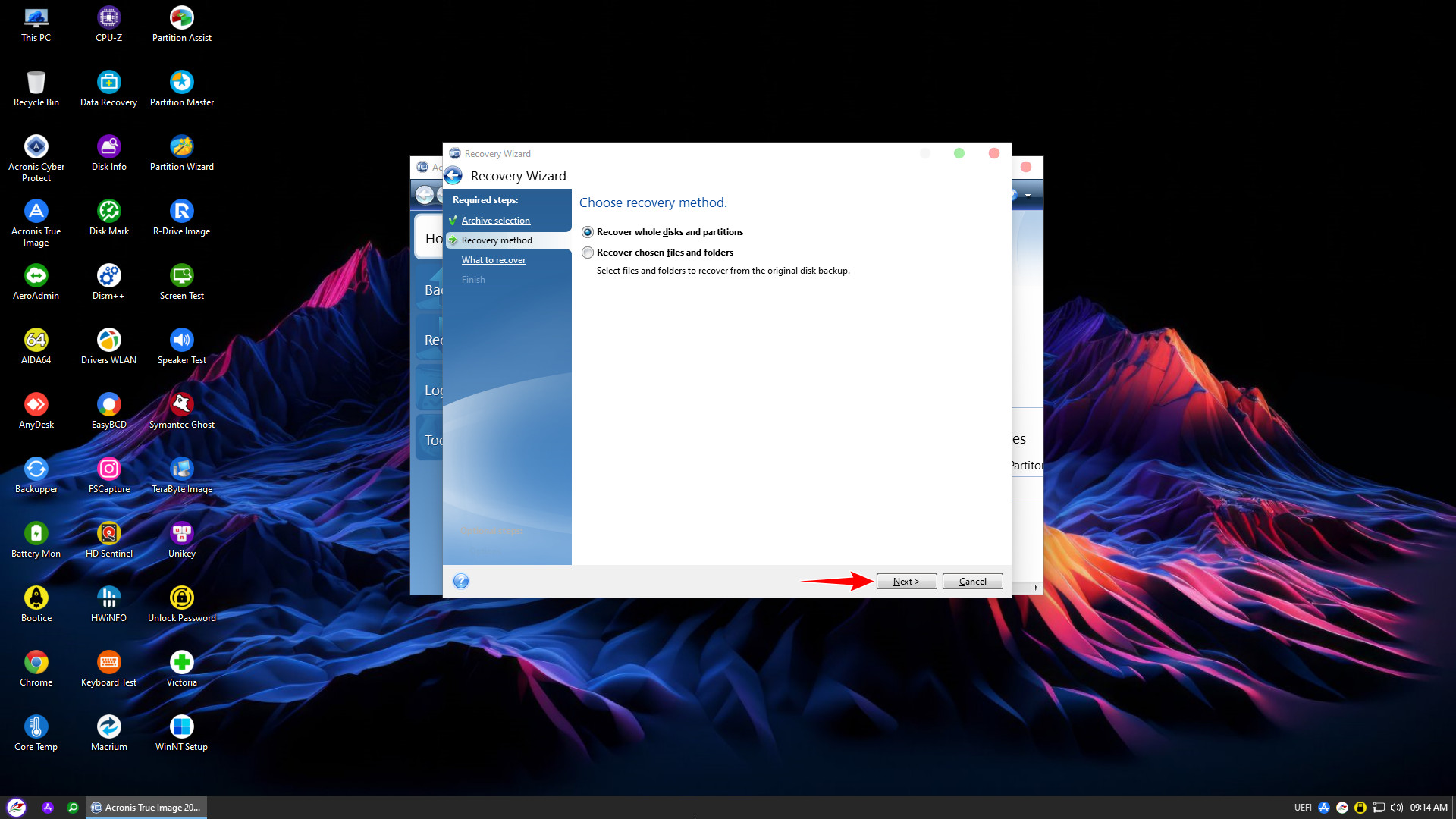
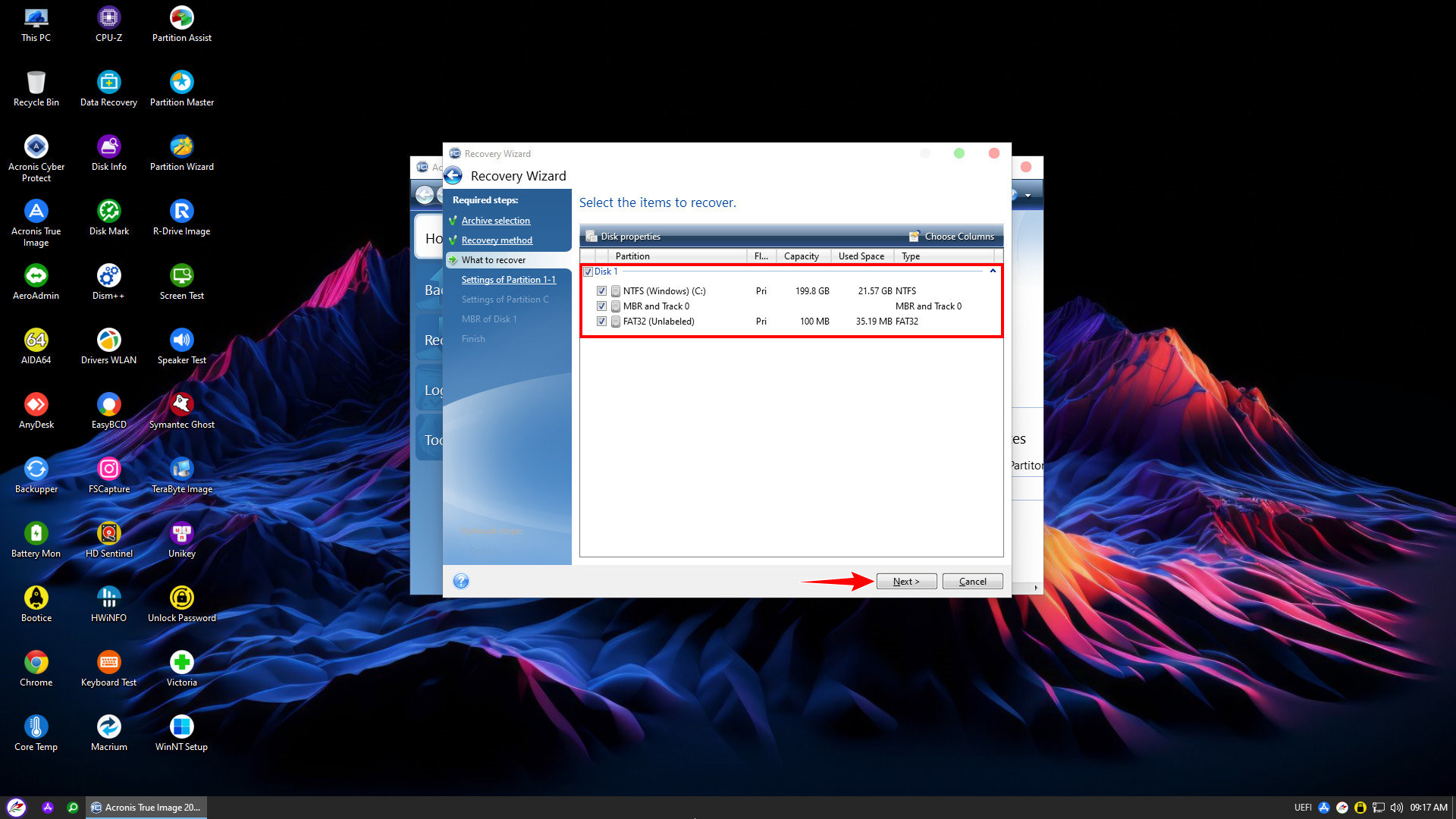
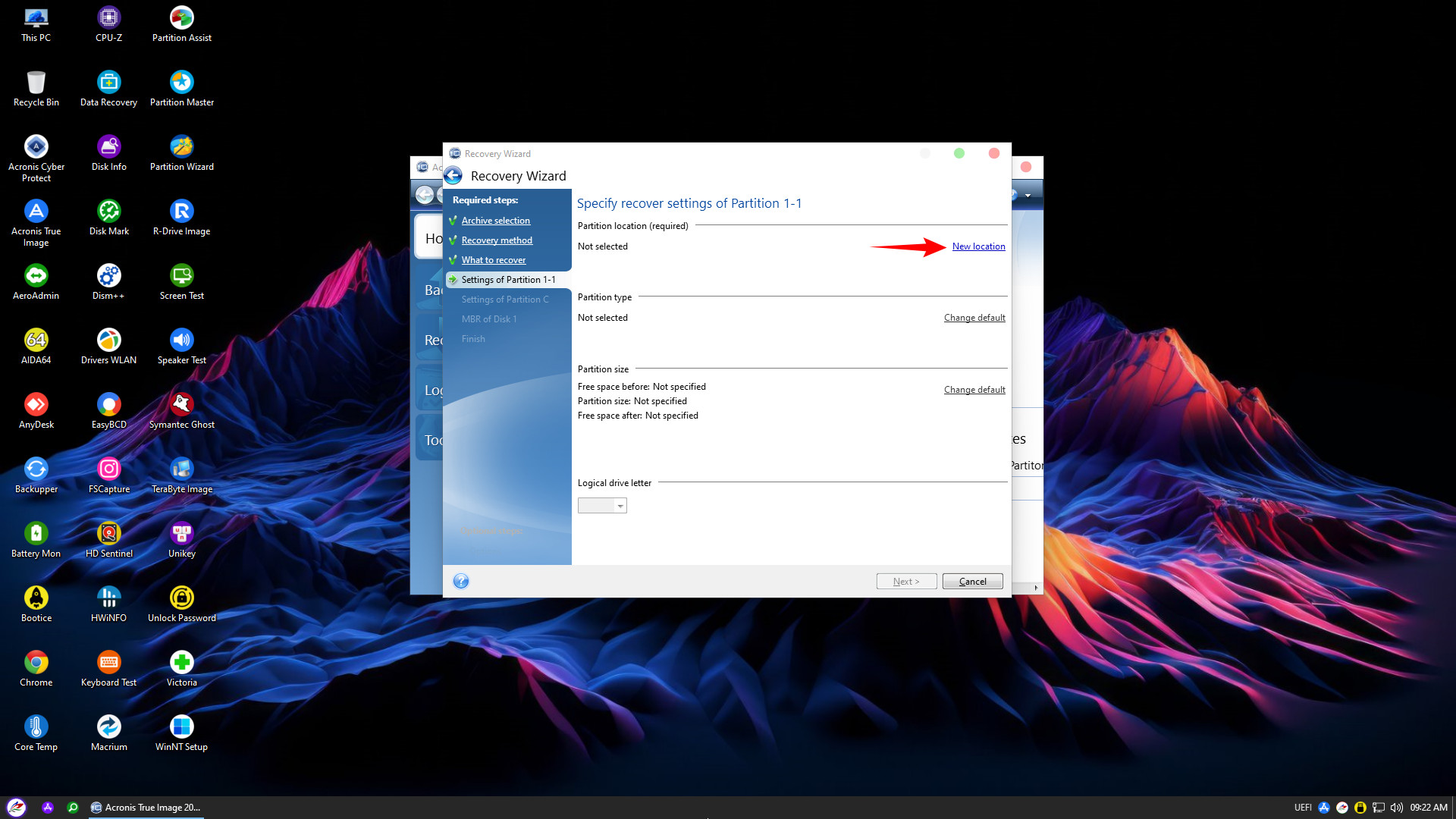
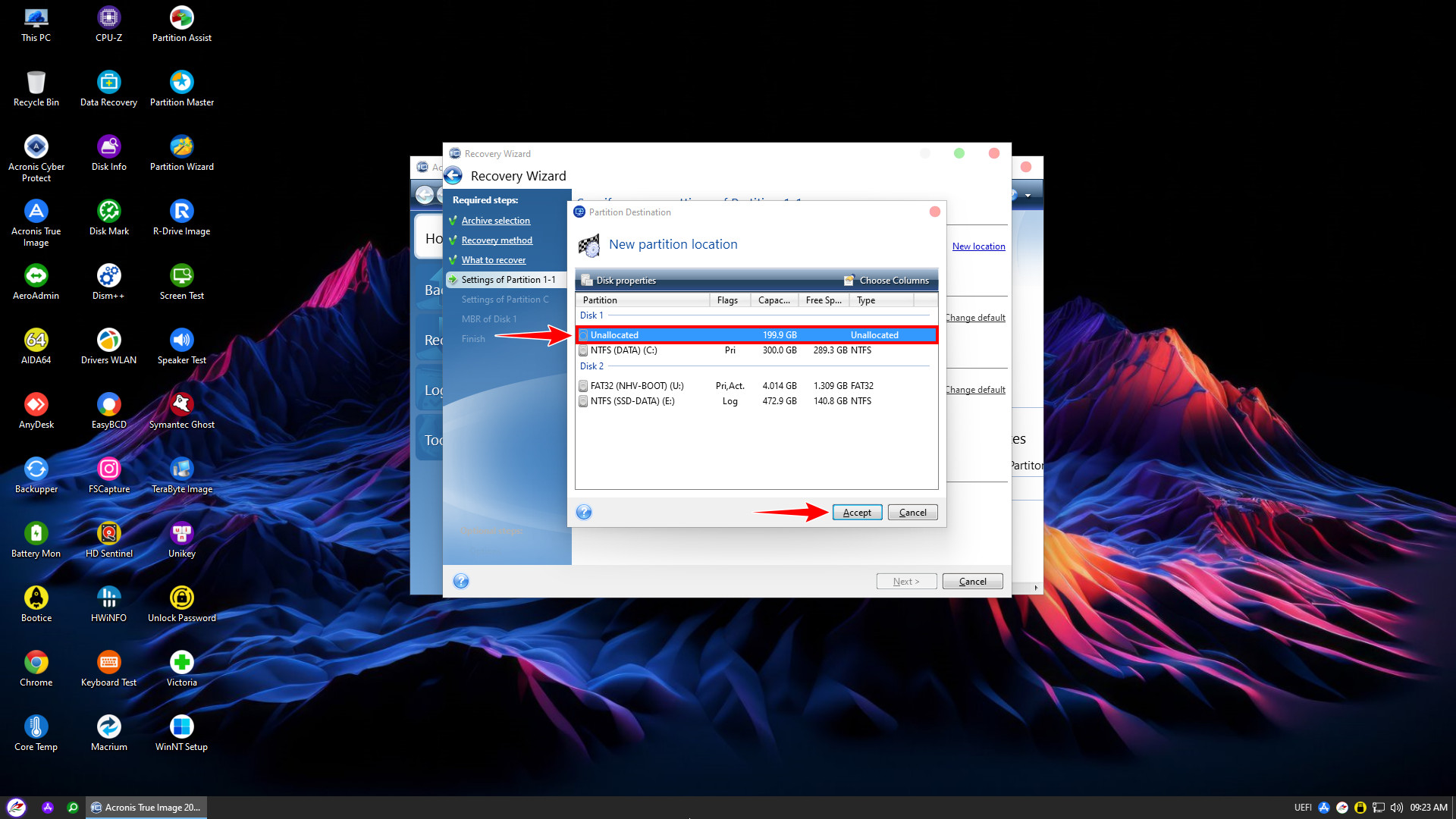
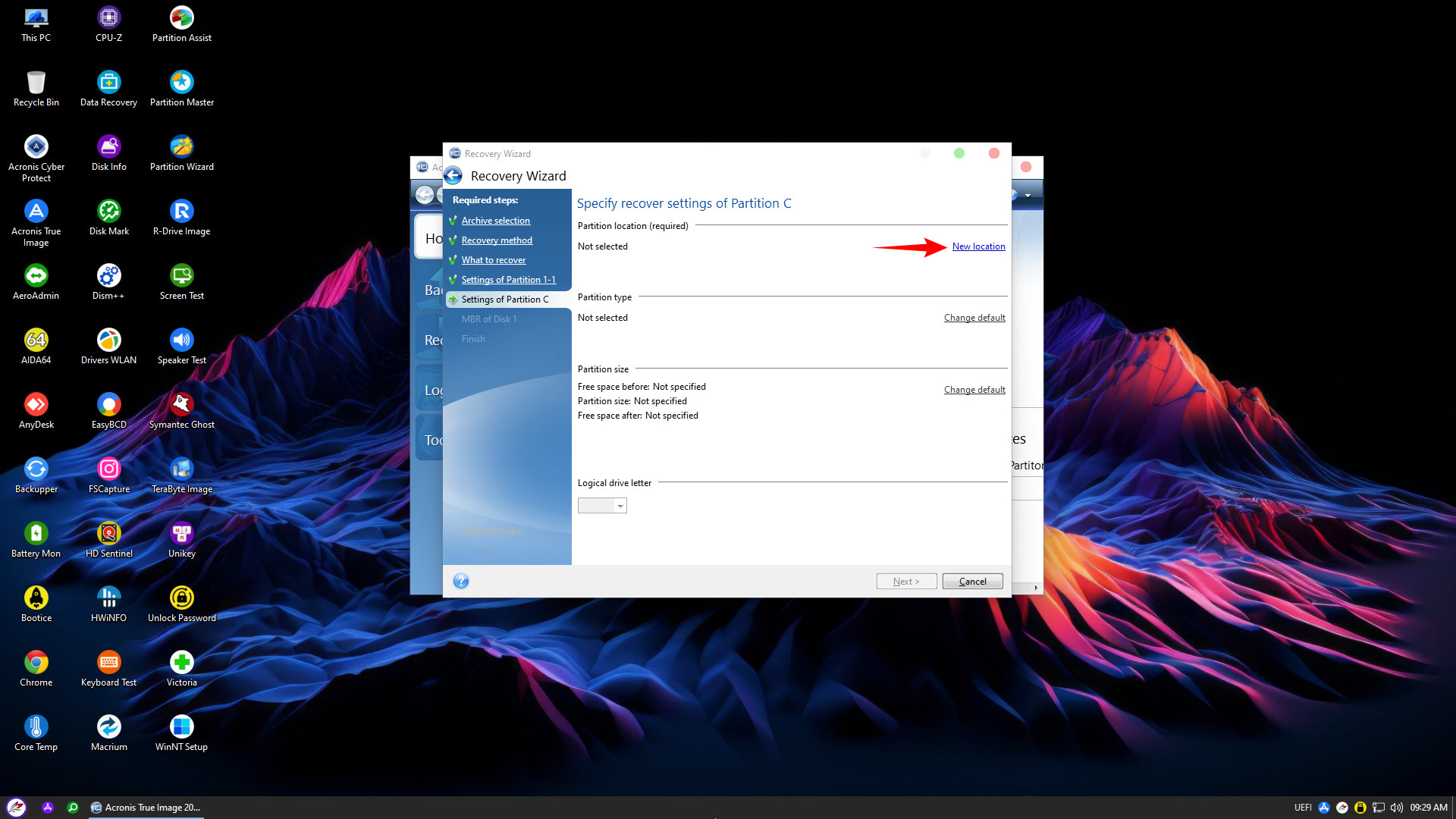
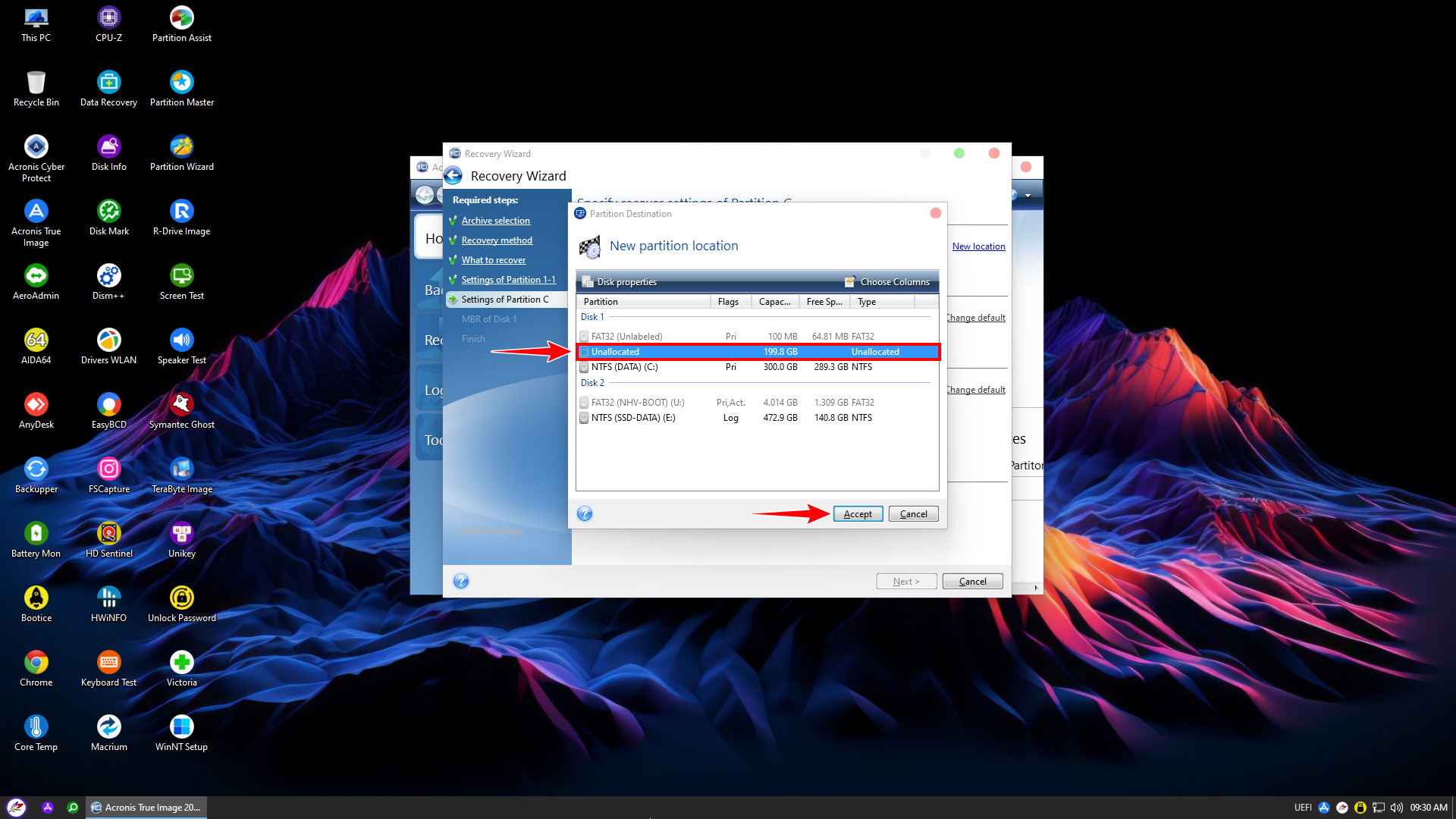
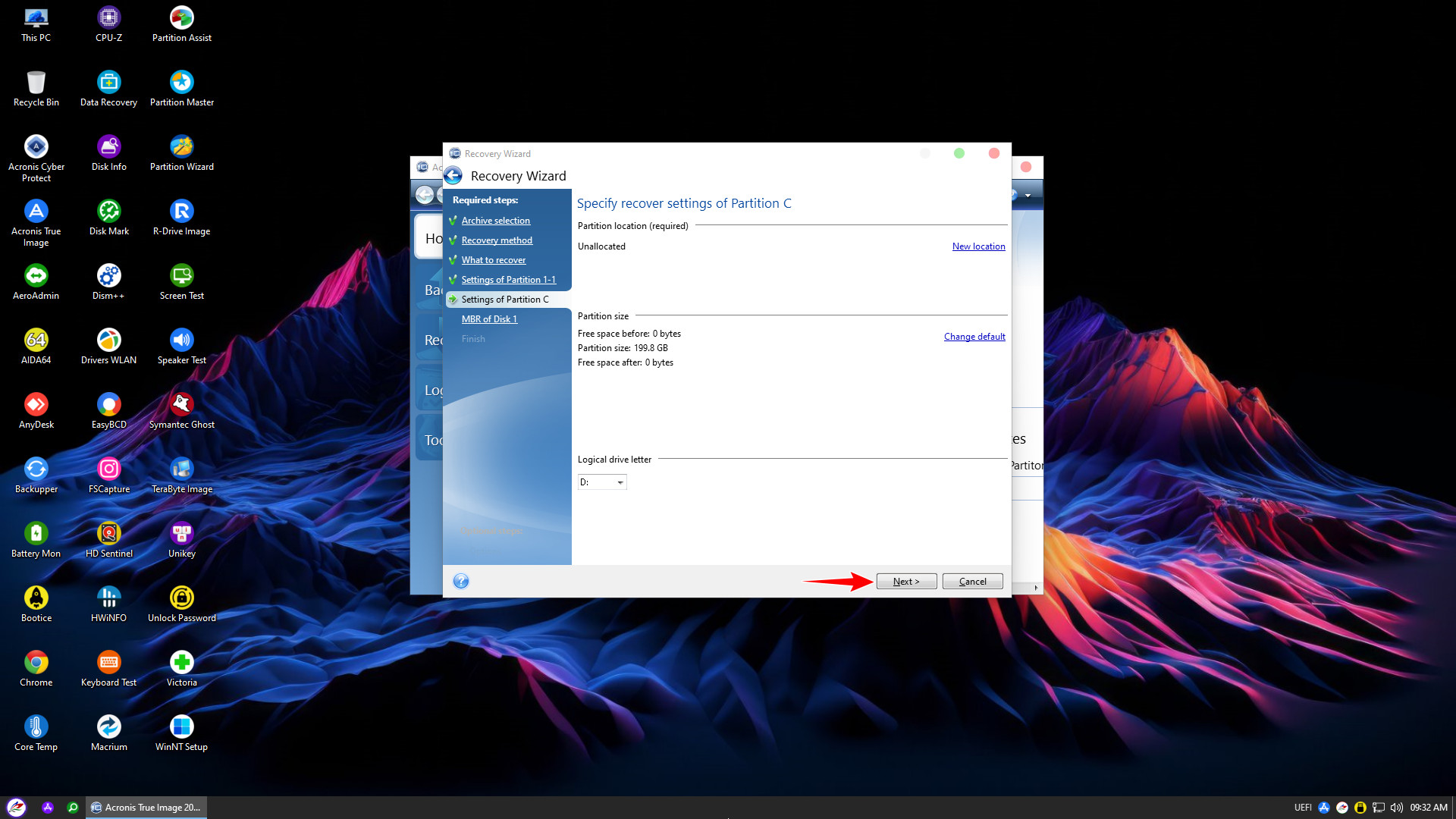
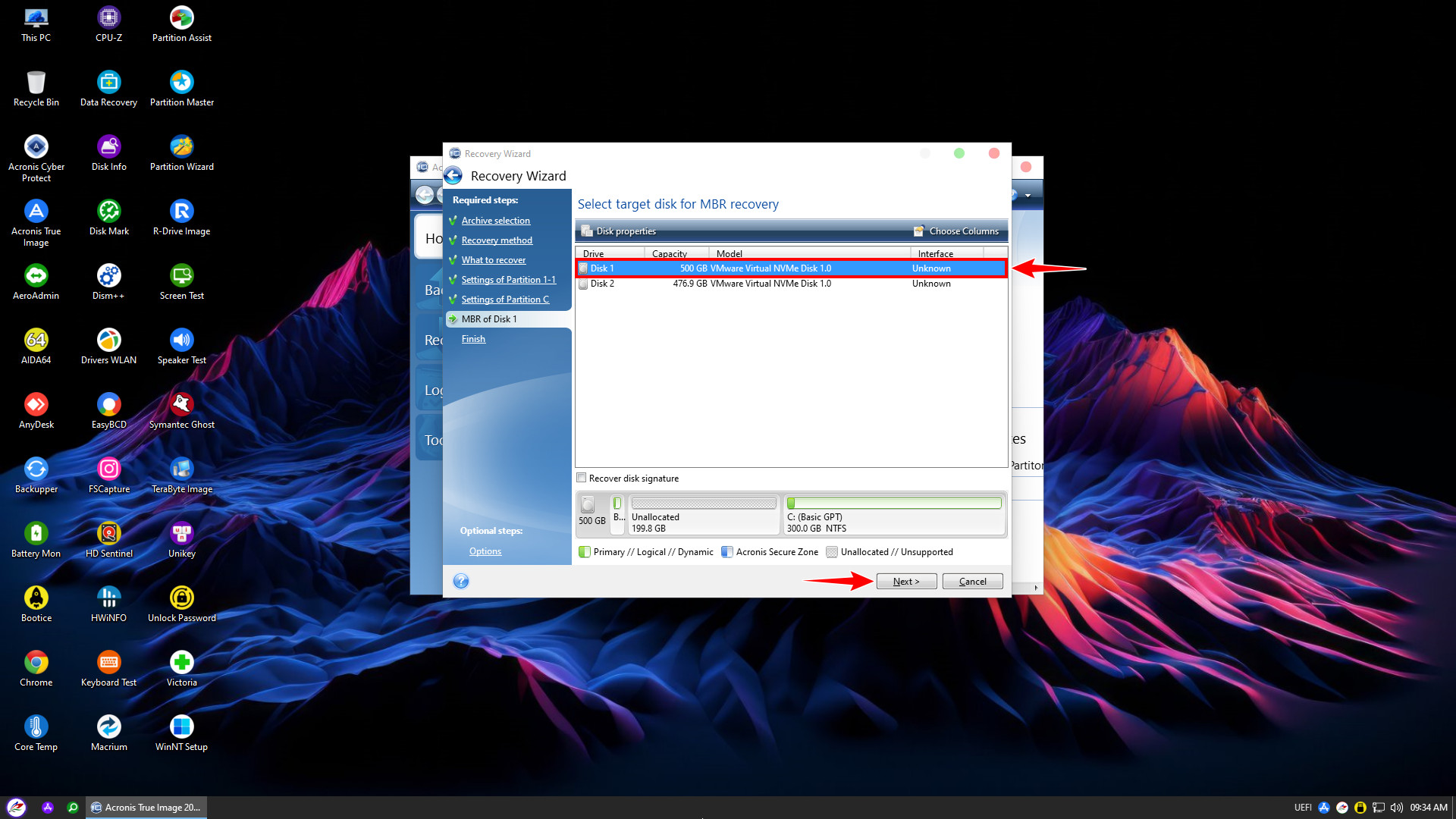
For UEFI Windows backups containing two partitions, you must assign a New location for each partition sequentially
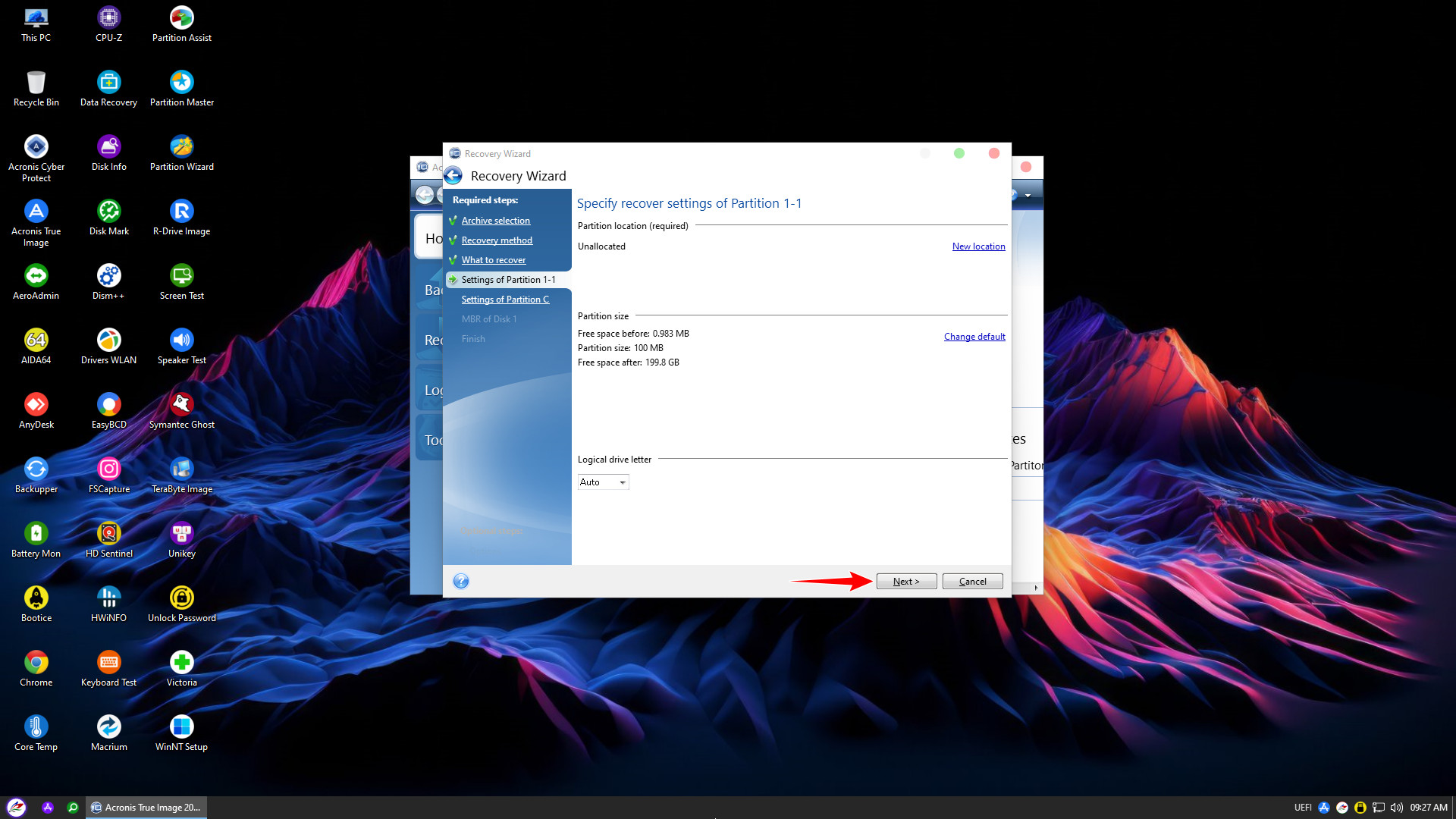
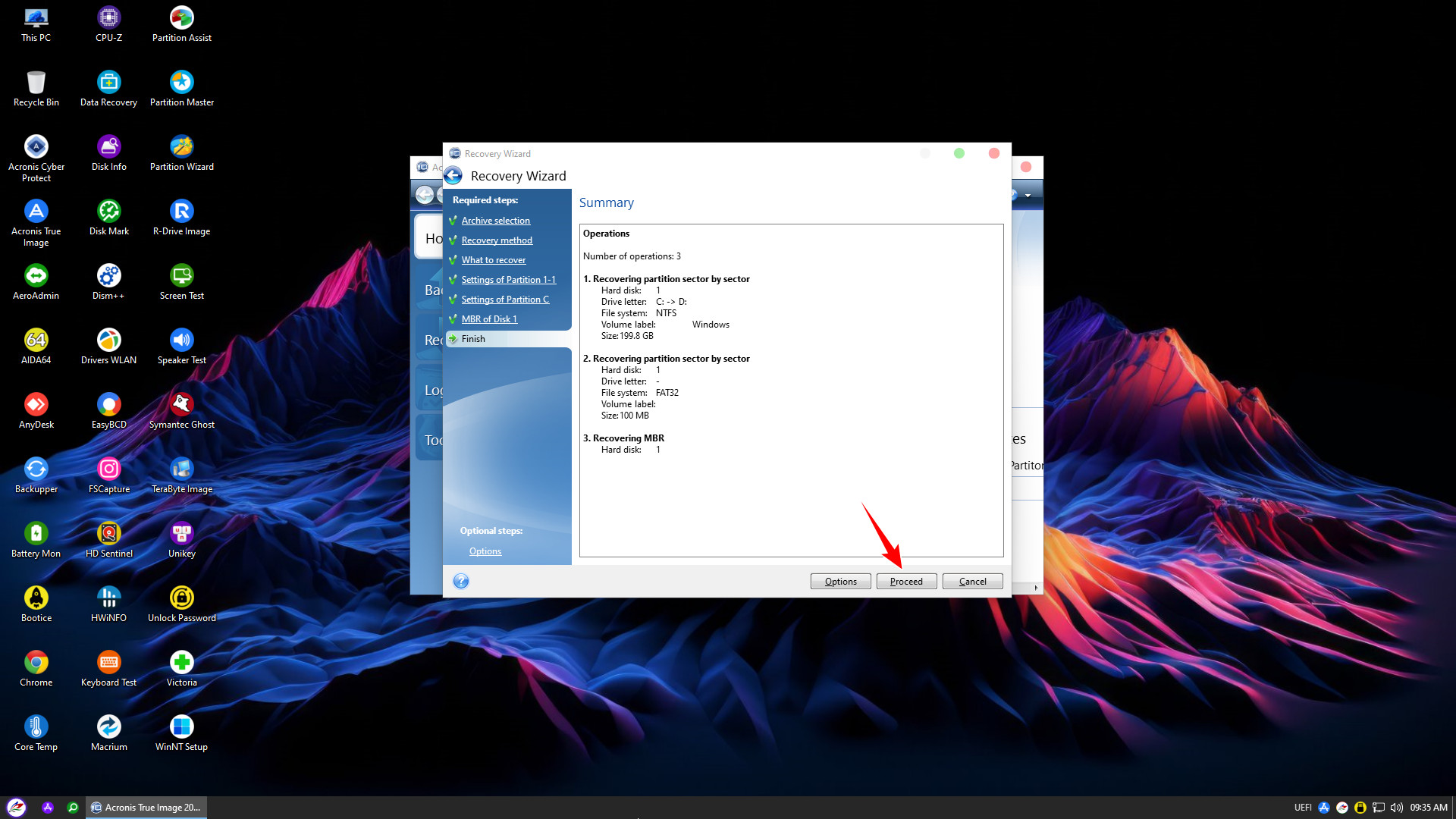
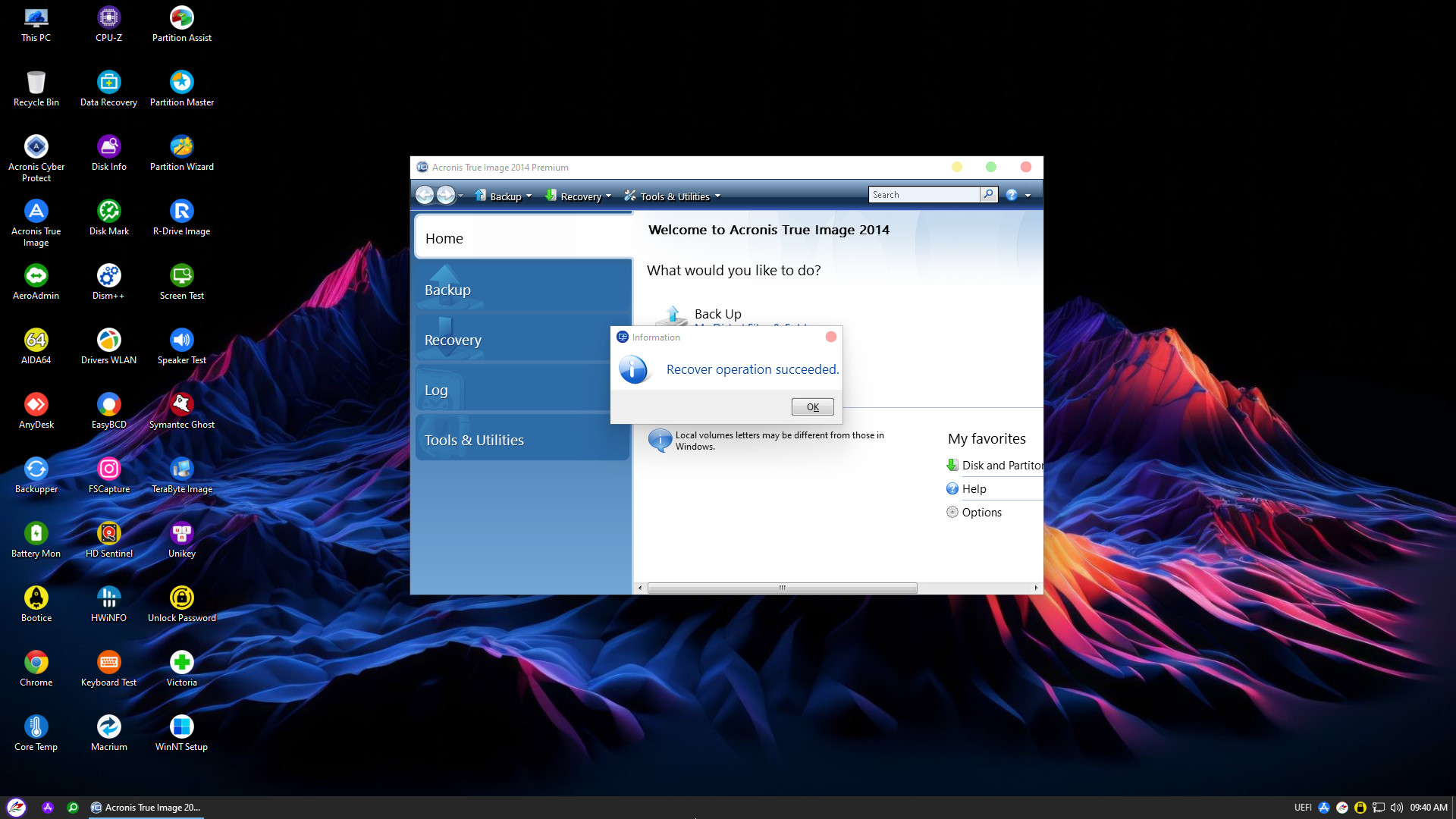
When the Recover operation succeeded message appears, the recovery is complete. Click OK, then restart your computer to boot into Windows
This concludes NHV BOOT’s detailed guide on using Acronis True Image for data backup and recovery. We wish you success