Guide to Resizing Ext4 Partitions with EaseUS Partition Master
Before diving into the technical steps, NHV BOOT wants to assure you of the absolute safety of this method. Unlike standard disk management tools on Windows (which often cause Bootloader errors when modifying Ext4), EaseUS Partition Master running in the WinPE environment handles Linux partition structures with extreme precision
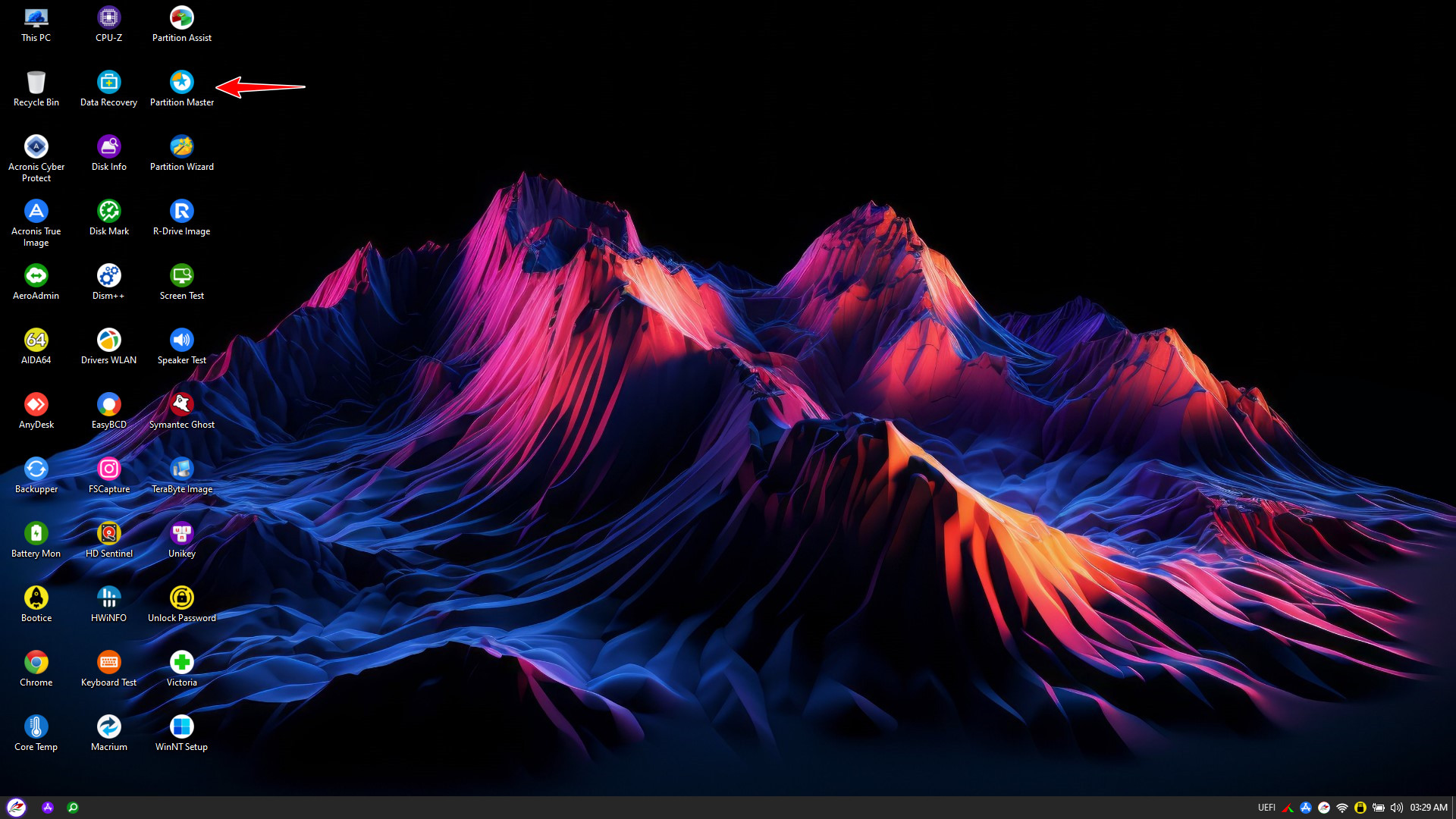
After successfully booting into the NHV BOOT WinPE environment, locate and open the EaseUS Partition Master icon on the Desktop
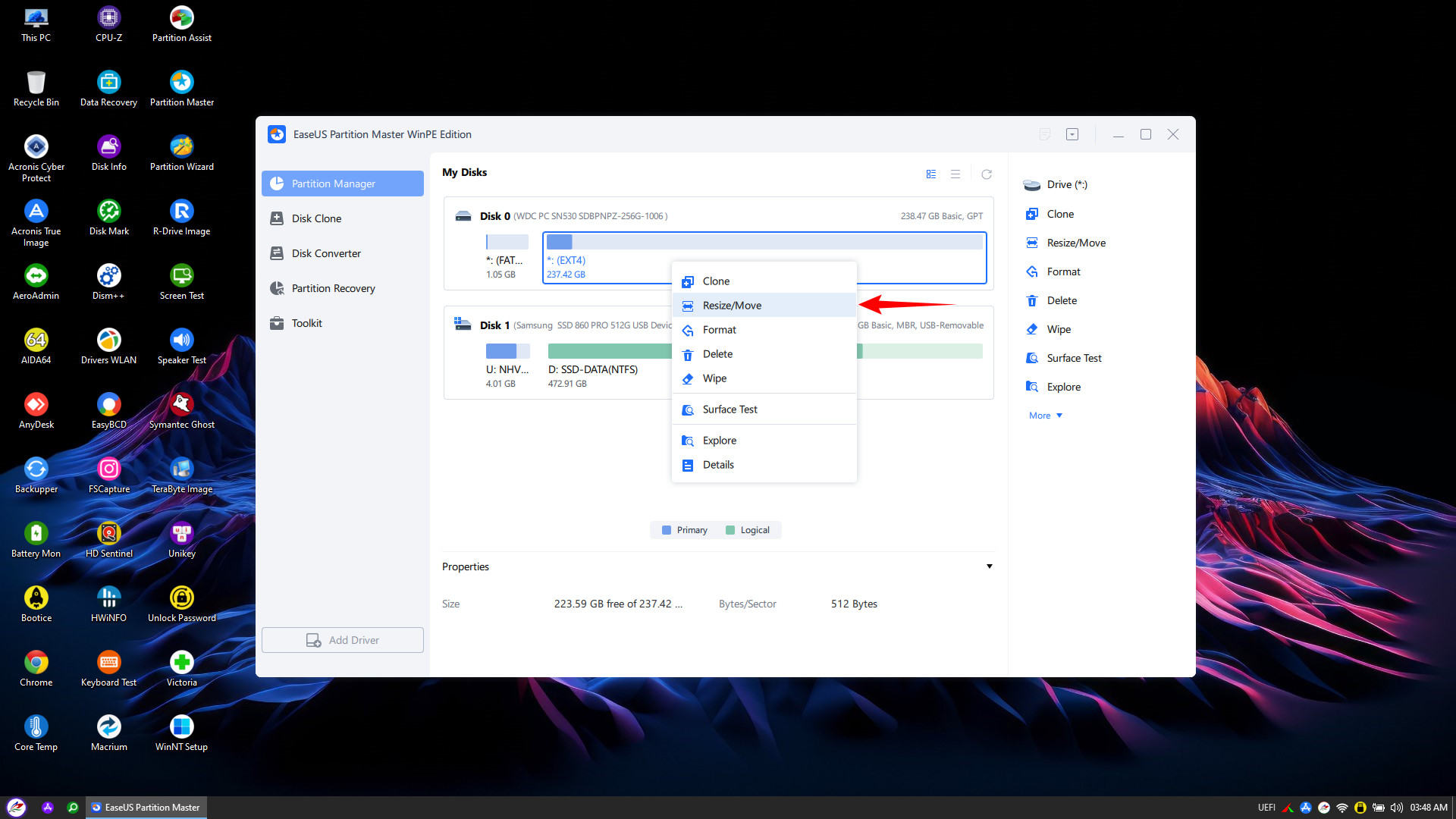
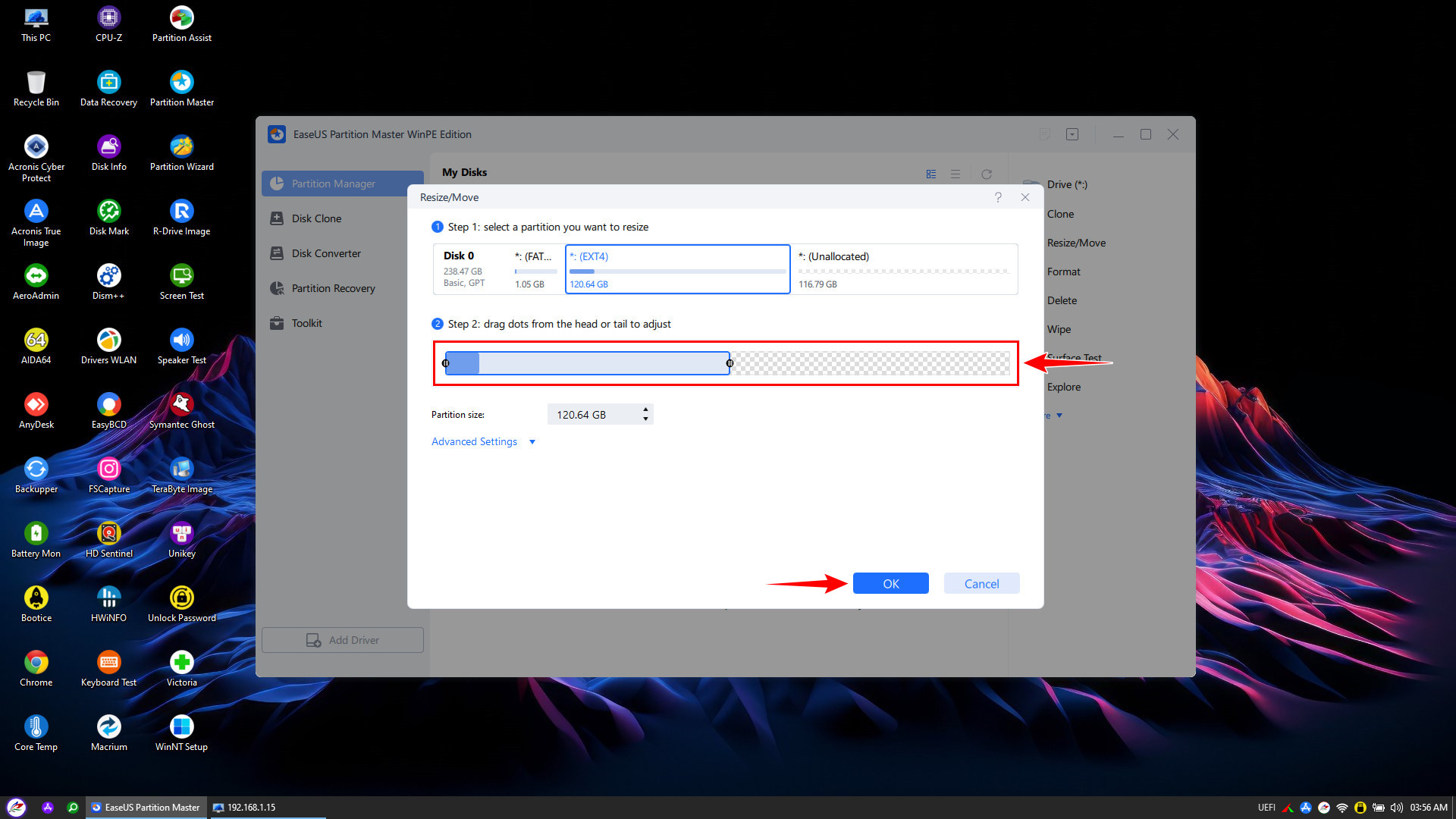
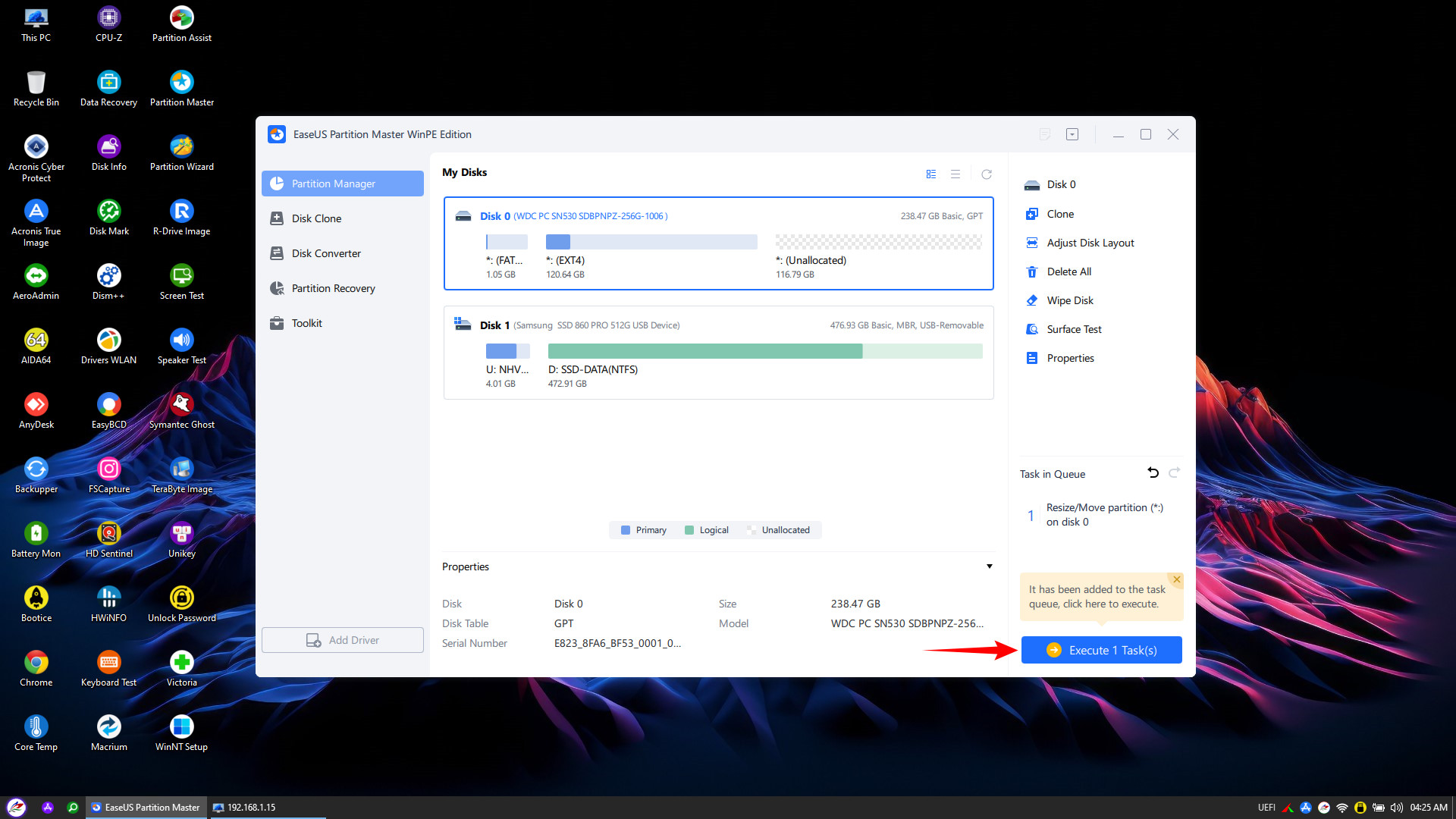

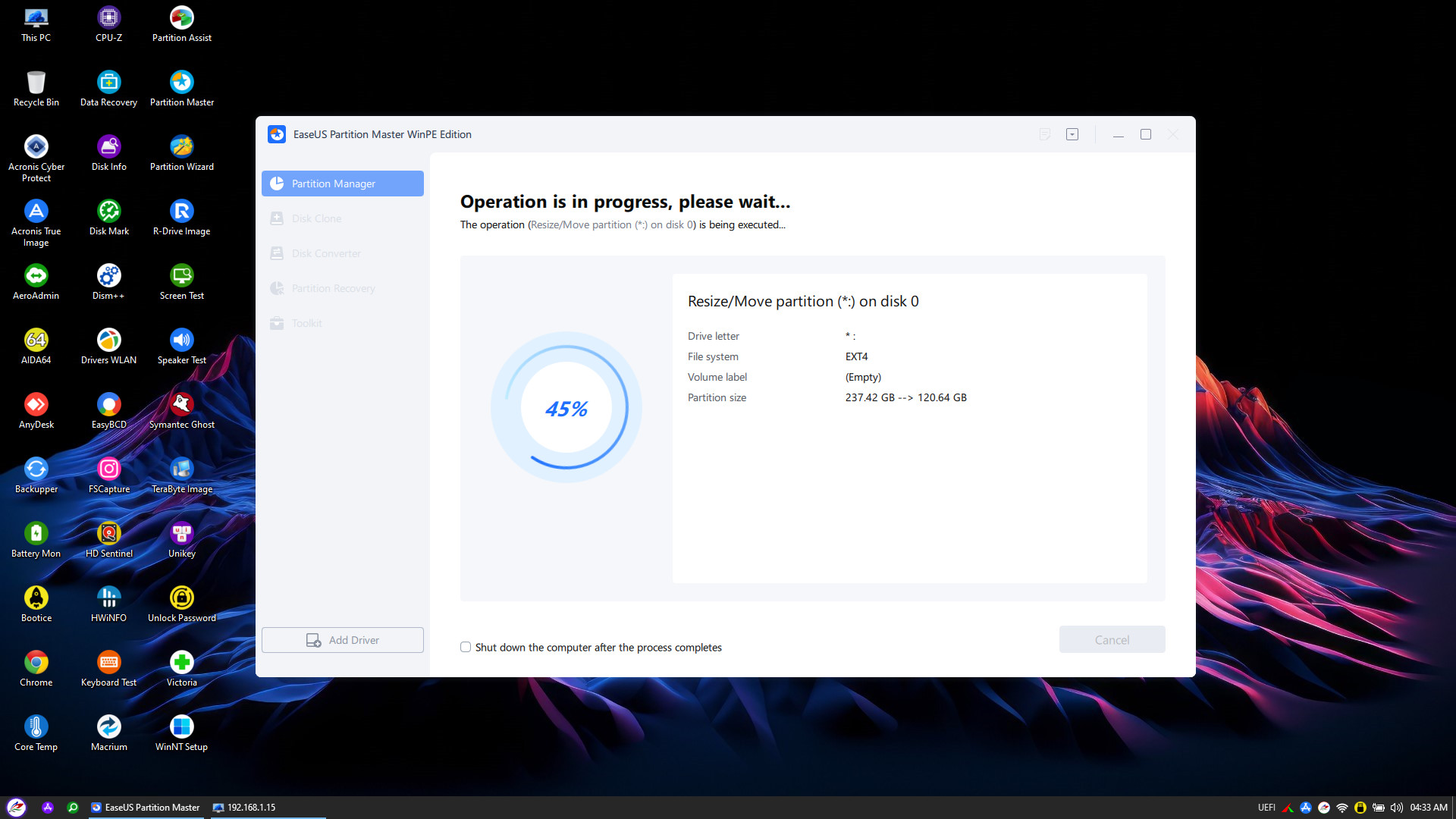
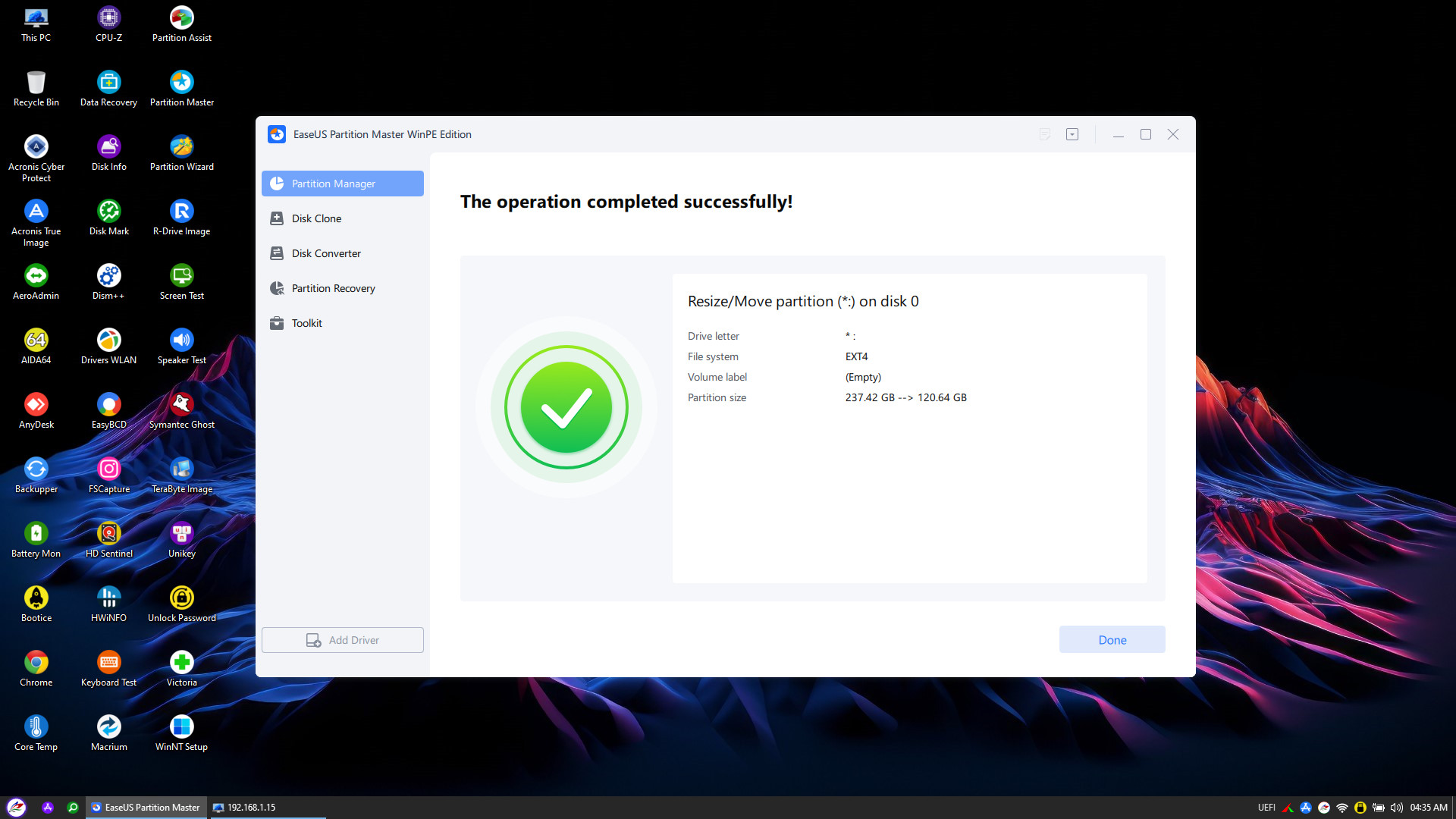
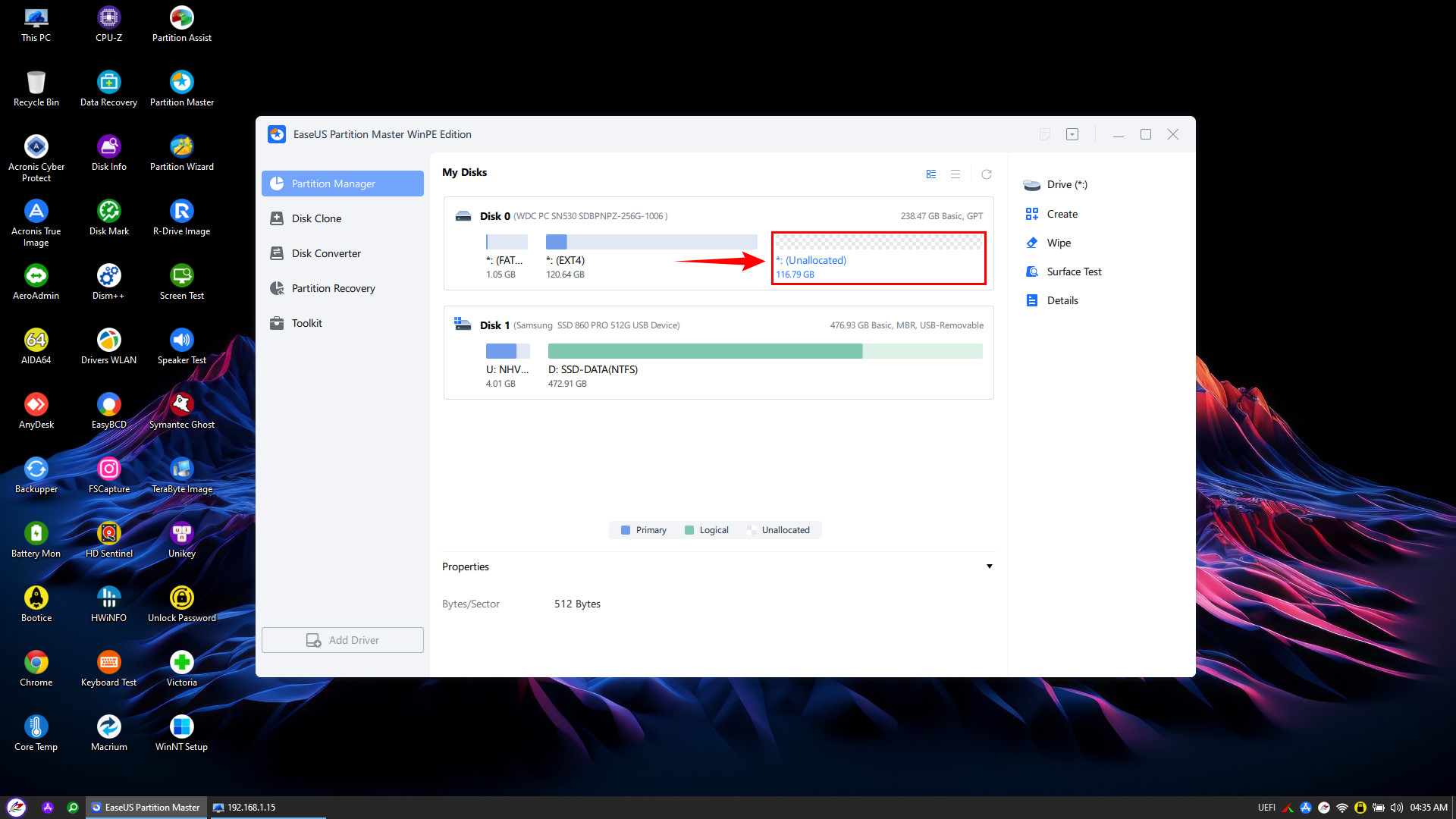
Thus, NHV BOOT has guided you through the complete process of splitting an Ext4 partition directly within the WinPE environment. As shown in the result image, the drive is now clearly divided:
Unallocated: In this space, you can proceed to install Windows (Dual Boot) or create a new partition for data storage.
We hope this article has helped you overcome the difficulties in managing Linux (Ext4) drives. Don’t forget to download NHV BOOT and purchase a license to own the powerful EaseUS Partition Master tool, helping you master every disk format like a professional! Good luck!