
Step-by-Step Guide to Recovering Deleted Partitions with Active@ Partition Recovery
Before starting the technical steps, there is a “Golden Rule” you must strictly follow: Absolutely avoid writing any new data to the hard drive. This is crucial to prevent old data from being Overwritten, ensuring the highest possible success rate for data recovery.
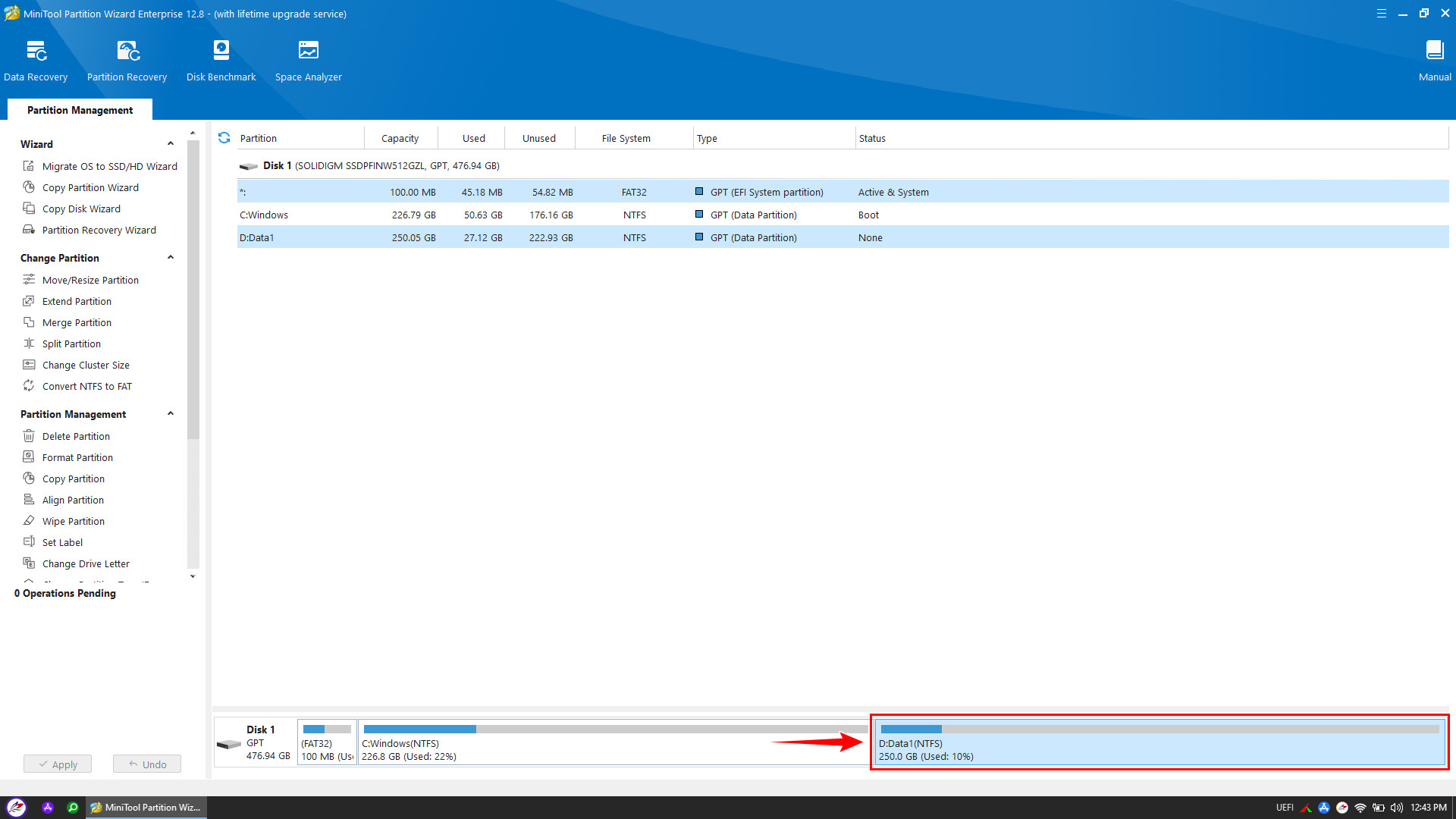
To help you easily visualize the process, this guide will demonstrate the recovery based on a common real-world scenario as shown below:
- Condition: Partition E:Data2 was deleted and merged into partition D:Data1.
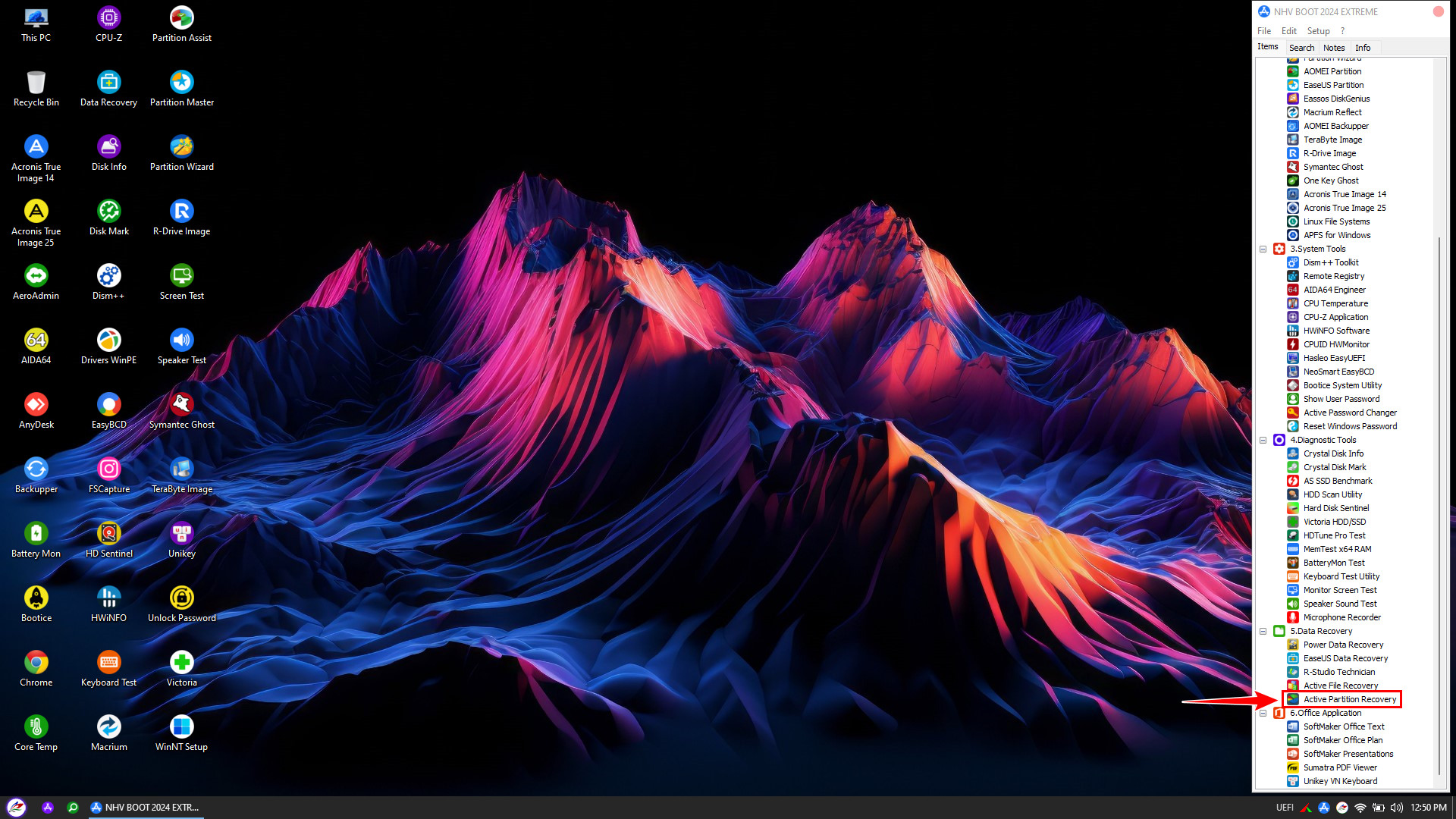
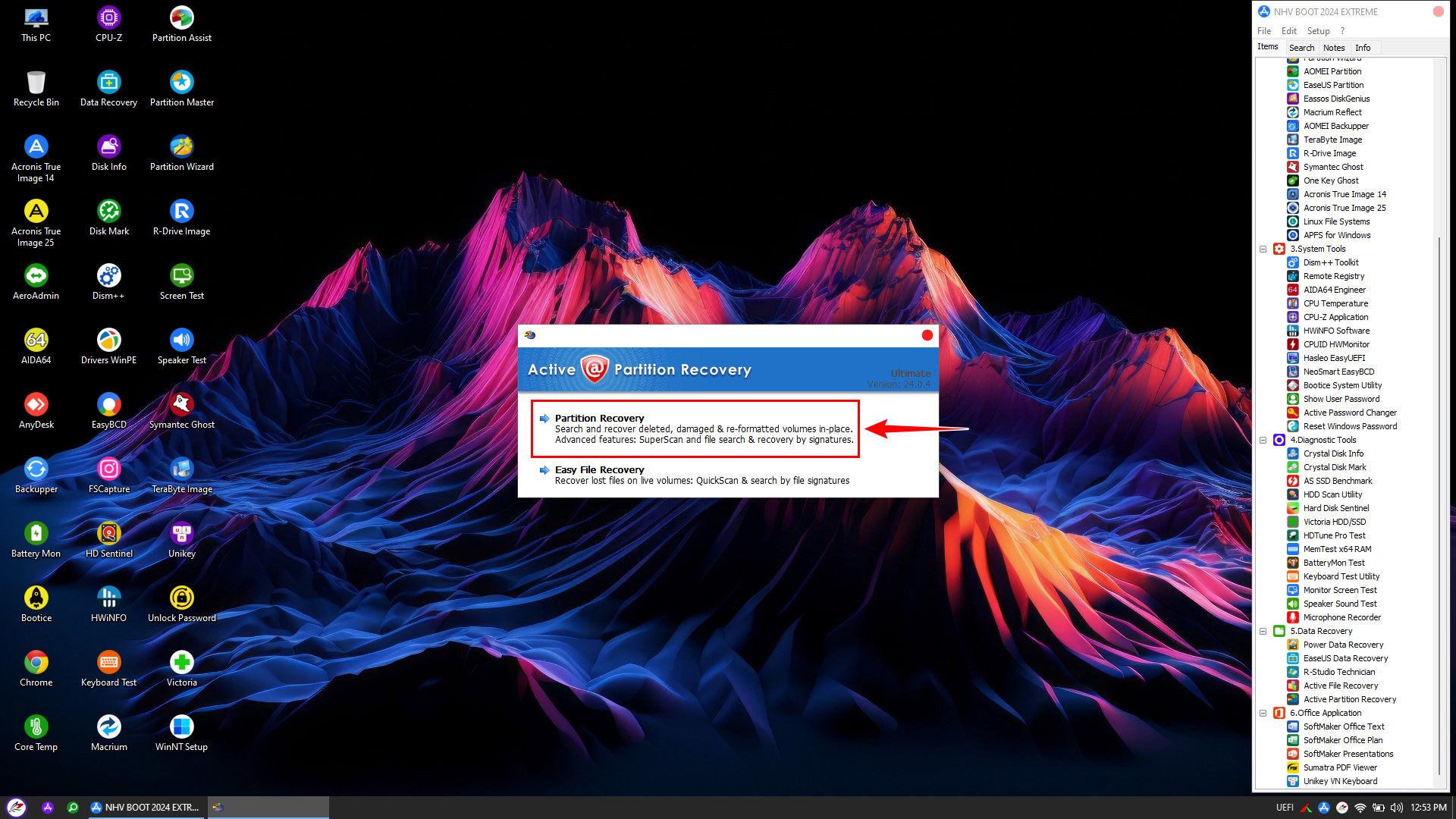
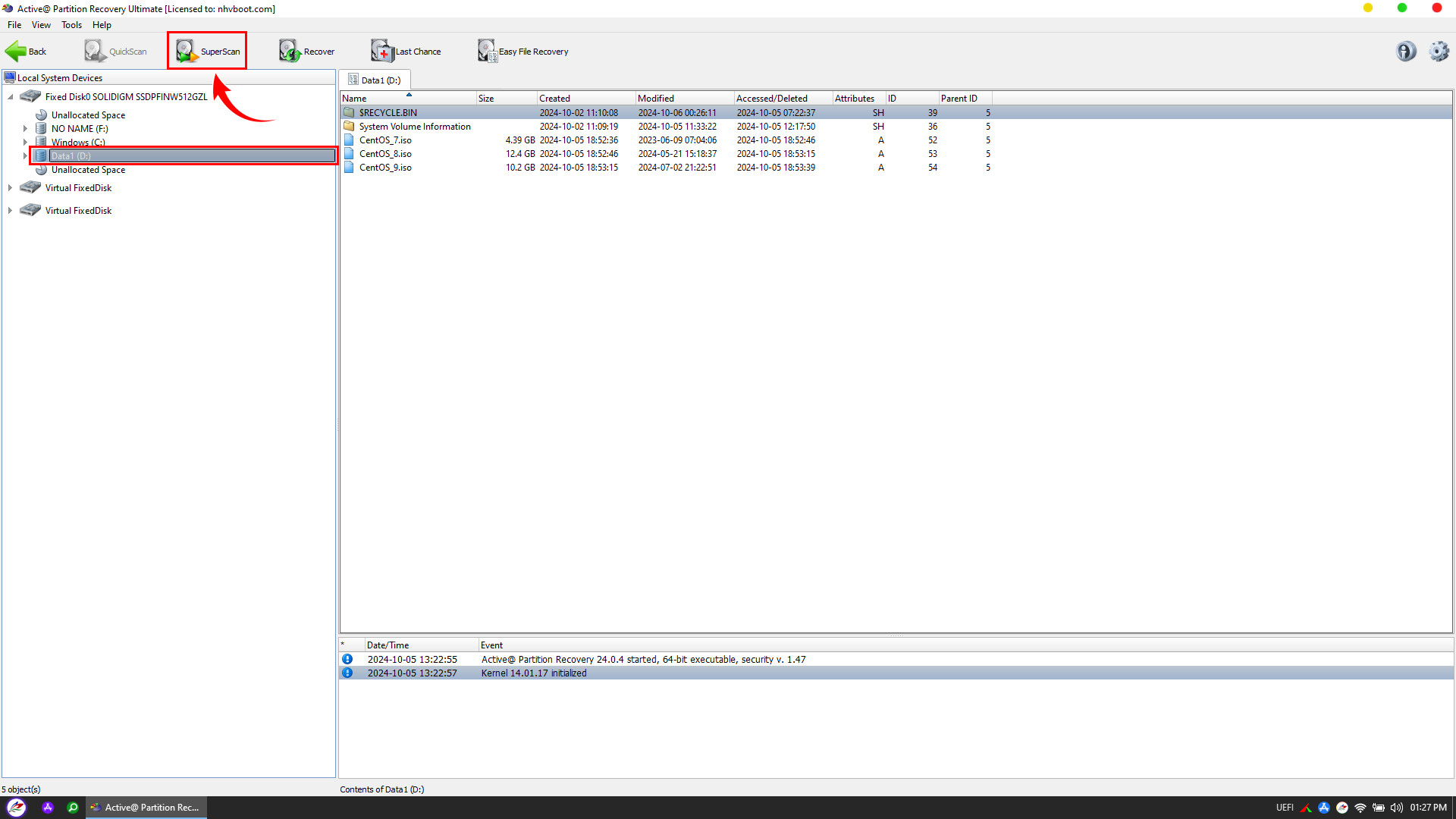
- Goal: Use Active@ Partition Recovery to separate and restore the lost E:Data2 partition to its original state.
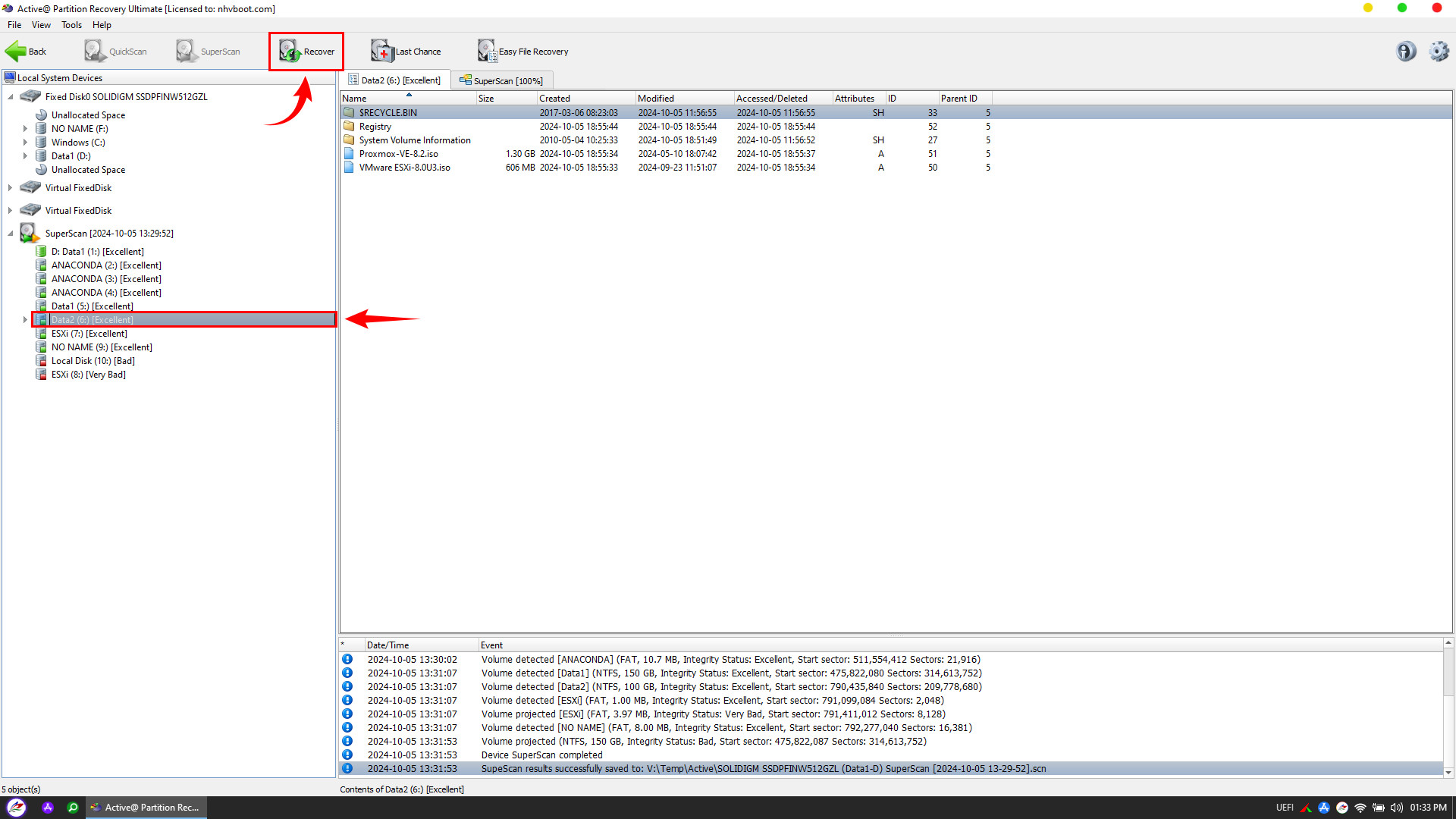
Important: You must prepare a separate hard drive or external USB drive to store the recovered data. Please ensure this device does not contain any important data, as Active@ Partition Recovery will proceed to Format the entire destination drive before copying
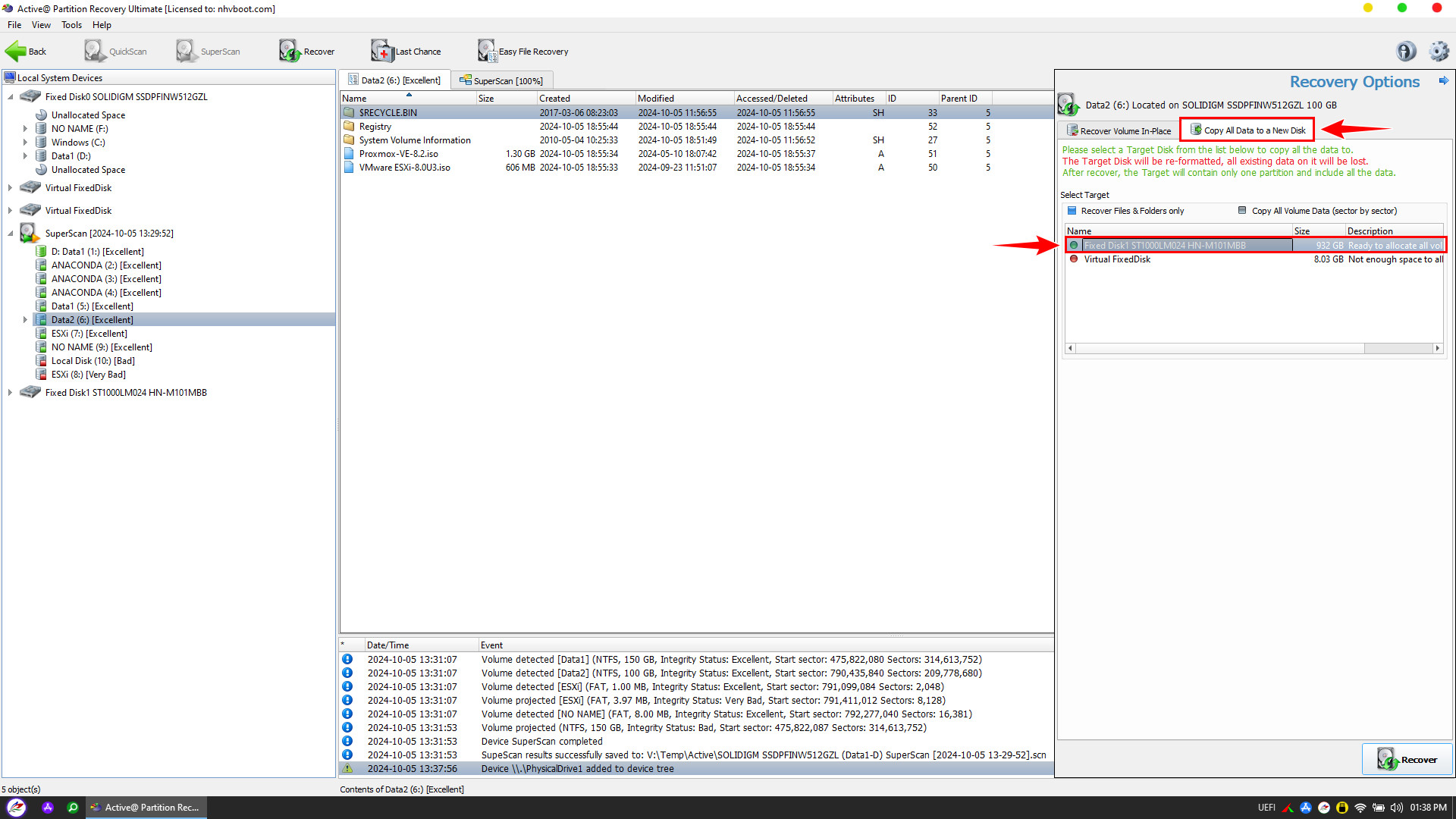
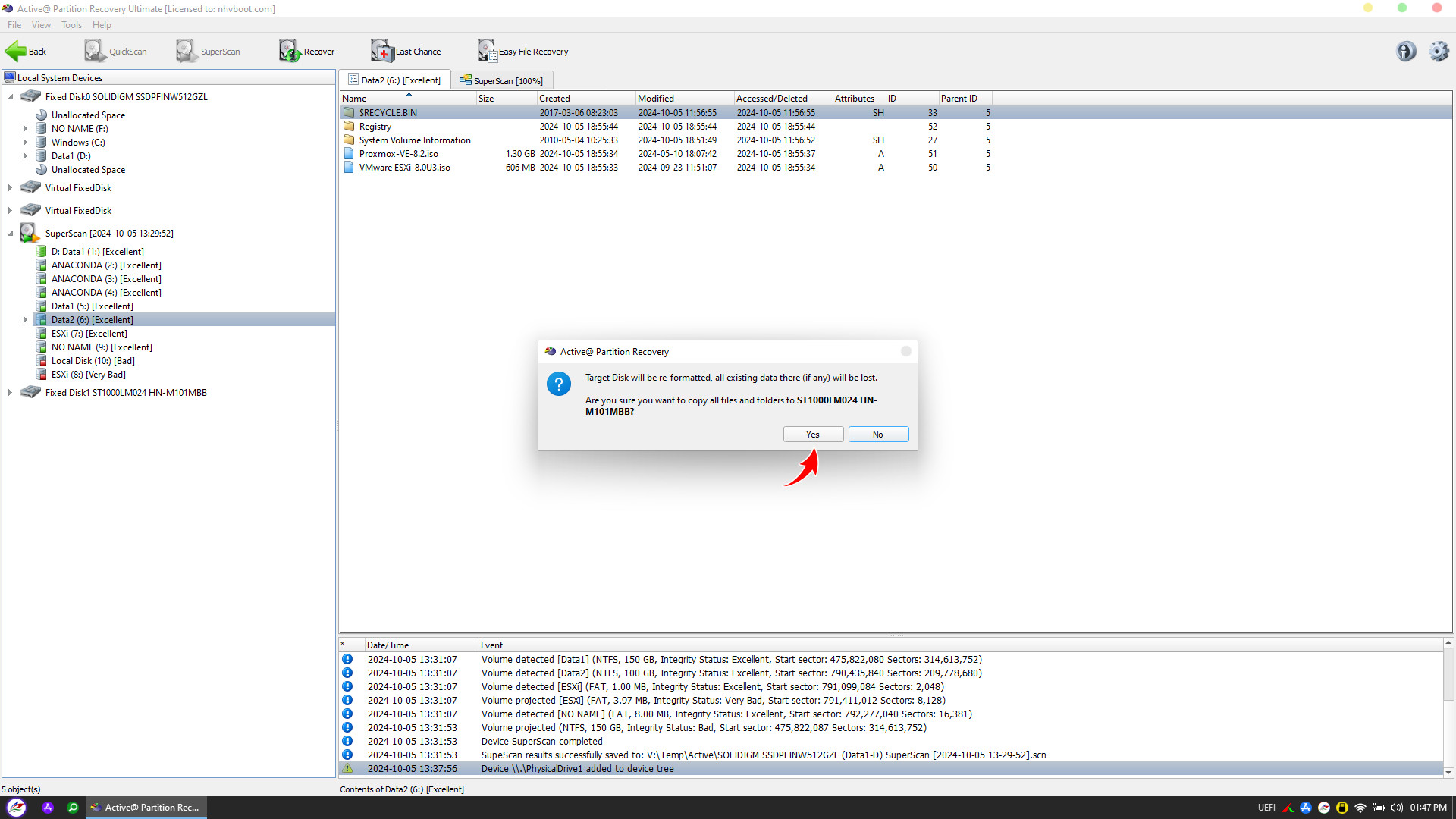
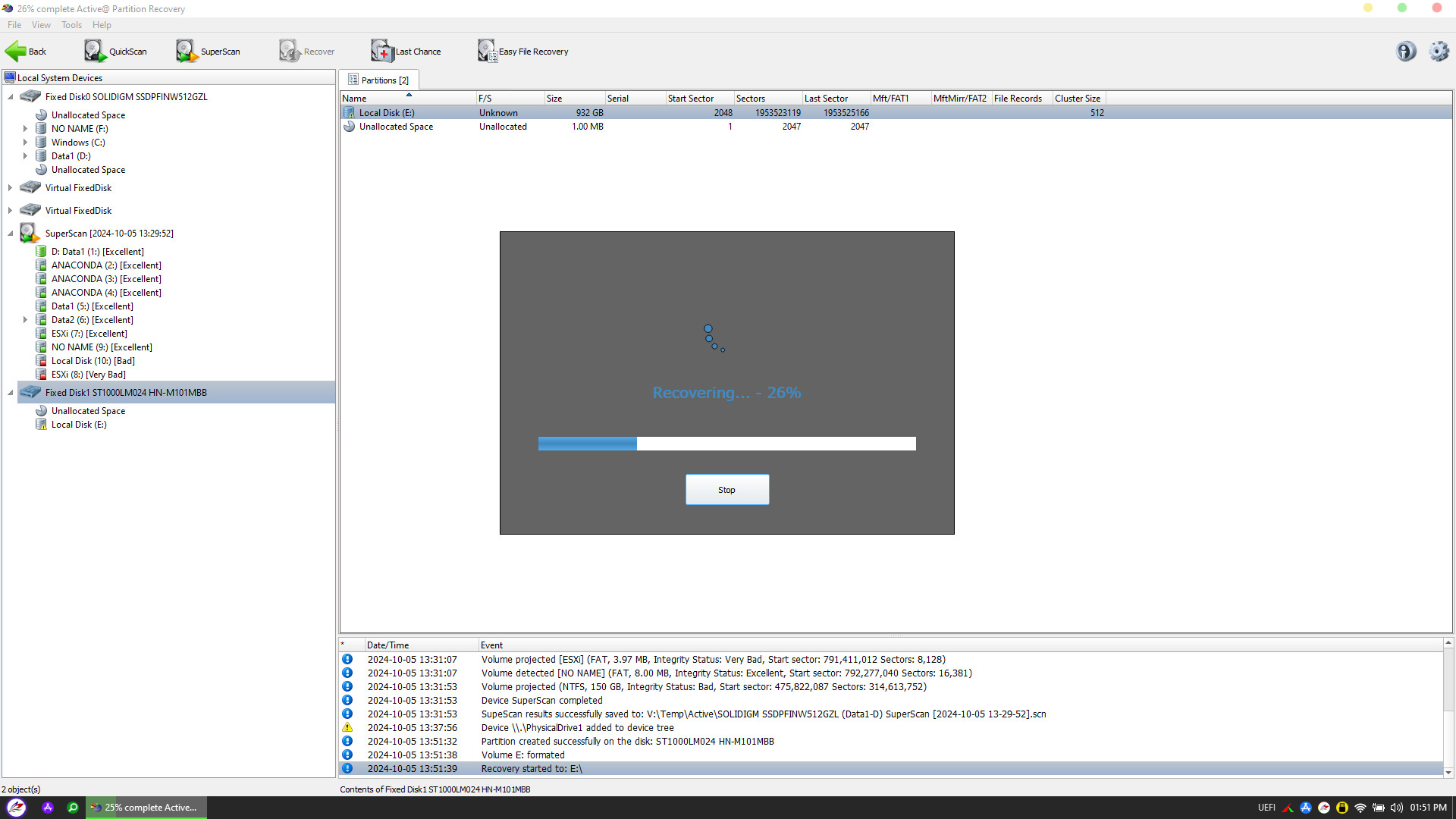
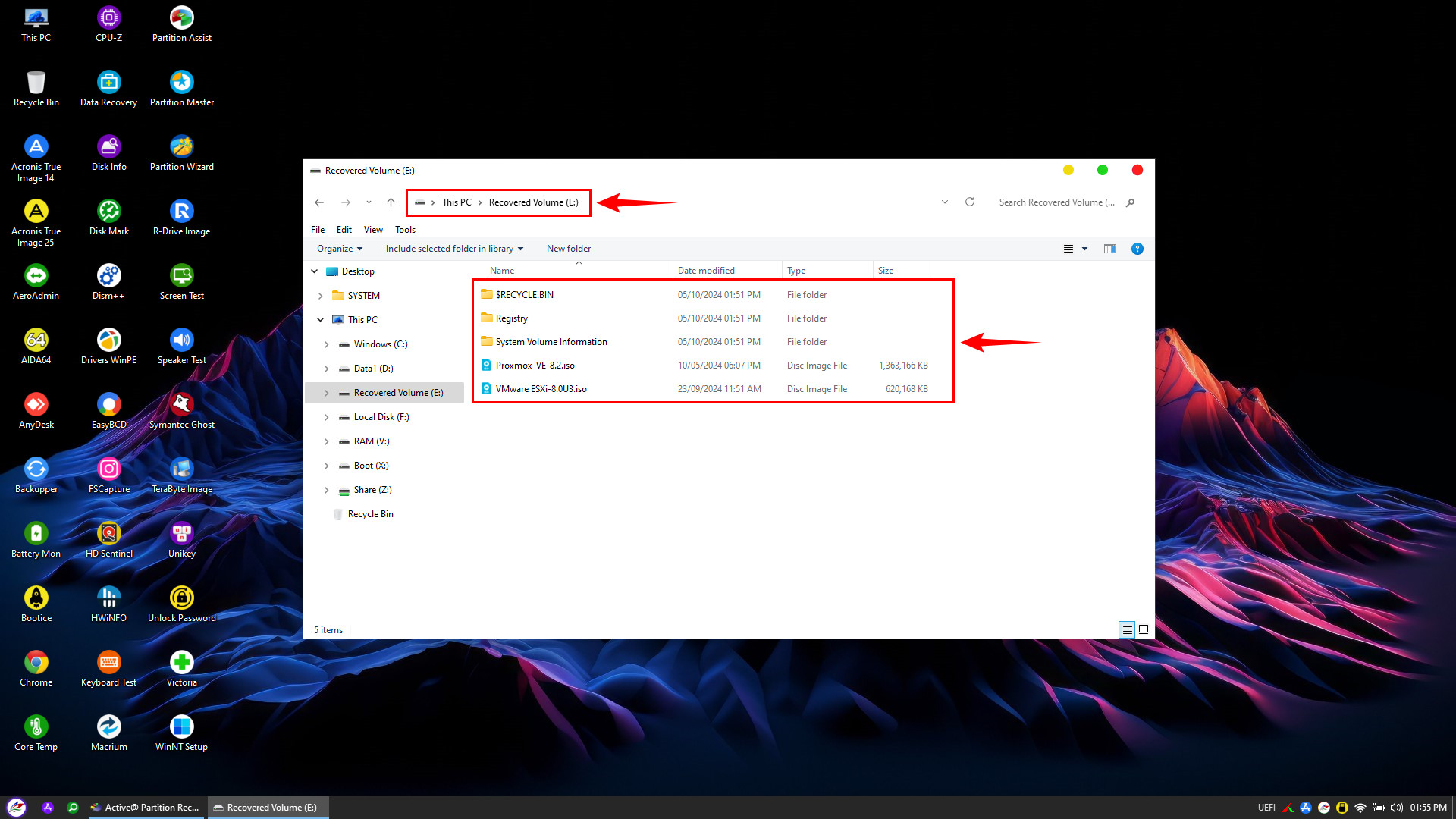
Partition loss is an incident that can happen to anyone. However, with the NHV BOOT rescue toolkit and Active@ Partition Recovery software, you can take full control of the situation and effectively retrieve your data.
Always remember to keep a bootable USB drive handy to be prepared for any unexpected computer emergencies that may arise at any time